In short
A simple data class used to need a constructor, getters, equals(), hashCode() and toString(): fifty lines of boilerplate. A record does all of it in one line, and the result can't be changed by accident.
Records (standard since Java 16) are concise, immutable data classes. The compiler generates the constructor, accessors, equals(), hashCode() and toString() for you.
Think of it like this
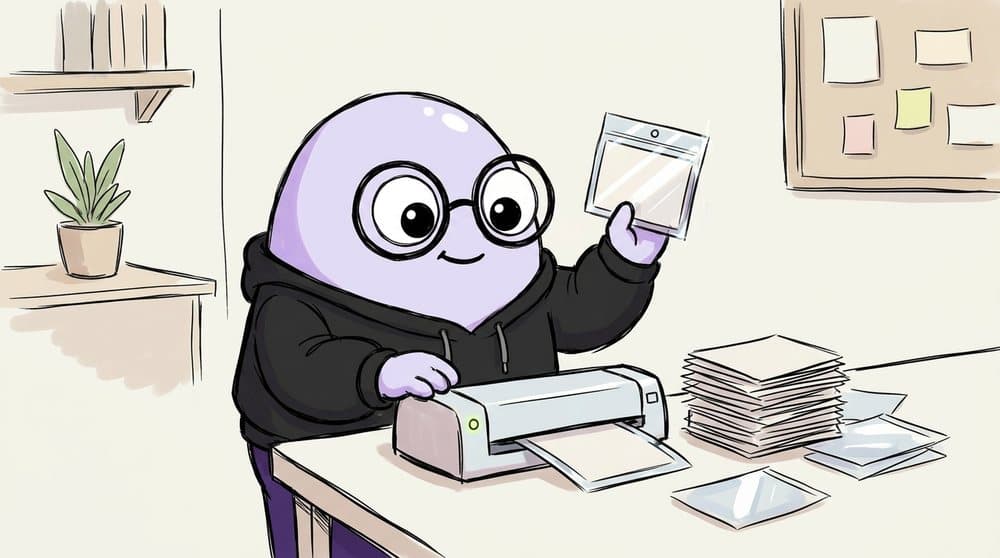
The laminated admit card
Your exam admit card lists your name, roll number and centre, then gets laminated. Nobody can scribble on it. If your centre changes, the board issues a new card. Two cards with the same details are treated as the same card. A record is that laminated card for data.
Watch it happen
Same data, two ways
Classic class
- Write fields, constructor and getters by hand
- Remember to override equals, hashCode and toString
- Mutable unless you add final everywhere
- Can extend another class
record
- One line: record Product(String name, int price, int stock)
- equals, hashCode and toString generated
- Fields are private and final, no setters
- Implicitly final; can implement interfaces
Use a record for plain data carriers like DTOs, API responses and map keys. Use a class when you need mutable state or inheritance.
The big ideas
What you need to know
Generated for you
The compiler adds a constructor, accessor methods named after the fields (name(), not getName()), equals(), hashCode() and toString().
Shallowly immutable
Fields are final. But if a field holds a mutable List, the list itself can still change, so store List.copyOf(...) in the constructor.
Compact constructor
Validate or normalise inputs in a compact constructor, without repeating the parameter list or assignments.
Methods are allowed
Records can have instance methods, static methods and implement interfaces. They just can't add instance fields or extend a class.
See it in code
Walk through the code
1import java.util.HashSet;2import java.util.Set;3 4public record Product(String name, int price, int stock) {5 6 public Product {7 if (price < 0) {8 throw new IllegalArgumentException("Price cannot be negative");9 }10 name = name.trim();11 }12 13 public boolean inStock() {14 return stock > 0;15 }16 17 public Product withStock(int newStock) {18 return new Product(name, price, newStock);19 }20 21 public static void main(String[] args) {22 Product chai = new Product(" Masala Chai ", 120, 40);23 System.out.println(chai.name()); // Masala Chai24 System.out.println(chai); // Product[name=Masala Chai, price=120, stock=40]25 26 Product sold = chai.withStock(0);27 System.out.println(sold.inStock()); // false28 System.out.println(chai.inStock()); // true, original untouched29 30 Set<Product> set = new HashSet<>(Set.of(chai));31 System.out.println(set.contains(new Product("Masala Chai", 120, 40))); // true32 }33}1/4This one line creates private final fields, a constructor, accessors, equals, hashCode and toString.
A product record with validation, a helper method and a "wither" that returns a changed copy.
Save yourself the pain
Common mistakes
Oops
Calling chai.getName() on a record.
Do this instead
Accessors are named after the components: chai.name(), chai.price().
Oops
Storing a caller's ArrayList directly in a record field.
Do this instead
Copy it in the compact constructor with items = List.copyOf(items), or the caller can still modify it.
Oops
Using records for JPA entities that need setters and lazy loading.
Do this instead
Keep records for data carriers like DTOs and value objects. Entities with changing state are better as classes.
Your mission
Records for a train booking
Quick check
Which of these can a record NOT do?
Go deeper
- 1Rewrite a simple data class as a record and compare the code size.
- 2Add validation inside a compact constructor.
- 3Use records for DTOs when you reach Spring Boot.
More topics at this stop
 The Object Class (equals, hashCode, toString)
 Wrapper Classes & Autoboxing
 String Immutability & the String Pool
 Enums
 BigDecimal for Money
 Date & Time API (java.time)
 Pattern Matching (instanceof & switch)

Stuck on this topic? Ask an Insider
Get 1:1 guidance from people who've walked this exact path — on the InsideEdge app.
