
In short
Strings are the most used objects in any Java program. Knowing that they never change, and that literals are shared from a pool, explains a whole family of beginner bugs and interview questions.
Strings can't be changed after creation. String literals are stored in a shared pool, so identical literals reuse one object, while new String(...) creates a separate one.
Think of it like this
Brass nameplates
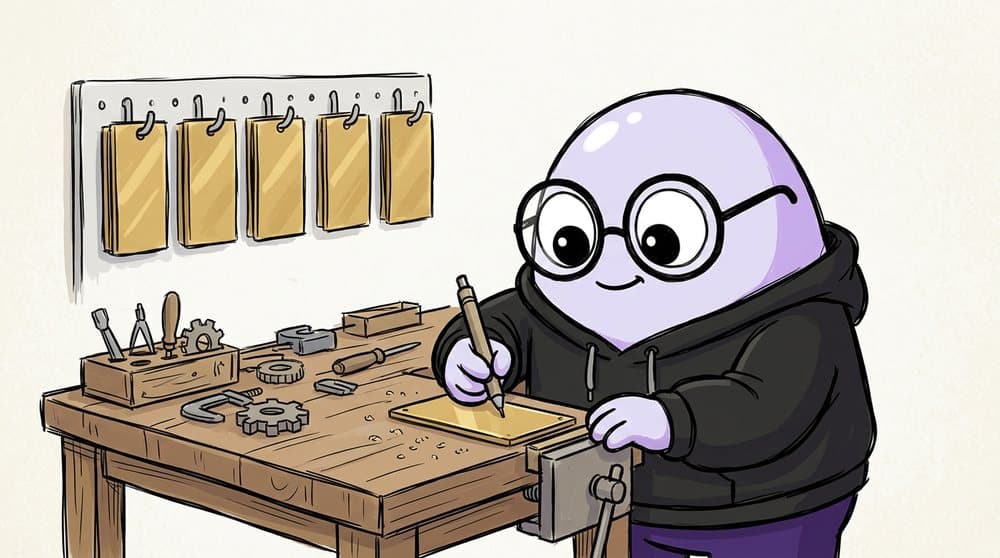
A brass nameplate is engraved once and never edited. Want a new name? You engrave a new plate and hang it instead. A society also keeps one shared rack of common plates: if ten flats ask for "Sharma", they all point to the same plate rather than making ten copies. That rack is the String pool.
Watch it happen
Where each String comes from
a = "Mumbai"
1/4The literal is looked up in the pool. It isn't there yet, so one "Mumbai" is added.
The big ideas
What you need to know
Strings never change
Methods like toUpperCase(), replace() and trim() return a new String. The original stays exactly as it was.
Literals are pooled
Identical string literals share one object, which saves memory. new String("x") skips the pool and makes a fresh object.
Compare with equals()
== checks if two references point to the same object. Pooling makes == work sometimes, which is exactly why it's dangerous.
Why immutability helps
Strings are safe to share across threads, safe as HashMap keys, and can cache their hashCode. That's a deliberate design choice.
See it in code
Walk through the code
1public class StringPoolDemo {2 public static void main(String[] args) {3 String a = "Mumbai";4 String b = "Mumbai";5 String c = new String("Mumbai");6 7 System.out.println(a == b); // true: same pooled object8 System.out.println(a == c); // false: c is a new object9 System.out.println(a.equals(c)); // true: same characters10 System.out.println(a == c.intern()); // true: intern() returns the pooled copy11 12 String city = "pune";13 city.toUpperCase(); // result thrown away14 System.out.println(city); // pune15 city = city.toUpperCase(); // reassign to the new string16 System.out.println(city); // PUNE17 }18}1/4Two literals share one pooled object; new String creates a third, separate object.
Pooling explains the == results, and immutability explains why toUpperCase() alone does nothing.
Save yourself the pain
Common mistakes
Oops
Calling name.trim(); and expecting name to change.
Do this instead
Write name = name.trim();. String methods return new strings; they never edit the original.
Oops
Checking user input with if (input == "yes").
Do this instead
Use "yes".equals(input). Input read from Scanner is not the pooled literal, so == fails.
Oops
Building long text with += inside a big loop.
Do this instead
Each += creates a new String. Use StringBuilder for repeated appends.
Your mission
Prove the pool
Quick check
String s = "java"; s.concat(" rocks"); System.out.println(s); prints what?
Go deeper
- 1Compare literals and new String() objects with == and equals().
- 2Explain why immutability makes strings safe to share and use as map keys.
- 3Practise common methods: split, trim, toUpperCase, contains and replace.
More topics at this stop
 The Object Class (equals, hashCode, toString)
 Wrapper Classes & Autoboxing
 Enums
 Records
 BigDecimal for Money
 Date & Time API (java.time)
 Pattern Matching (instanceof & switch)

Stuck on this topic? Ask an Insider
Get 1:1 guidance from people who've walked this exact path — on the InsideEdge app.
