Accessibility Audit & Redesign
Part of the UI/UX Design Roadmap
In short
Many designers say 'I care about accessibility'. Few can show an audit with real findings and fixes. This project proves you actually practise it.
Audit a real product against WCAG standards and Phase 7's accessibility testing methods, then redesign the worst offenders — a case study that demonstrates a skill many designers only claim, not practice.
Think of it like this
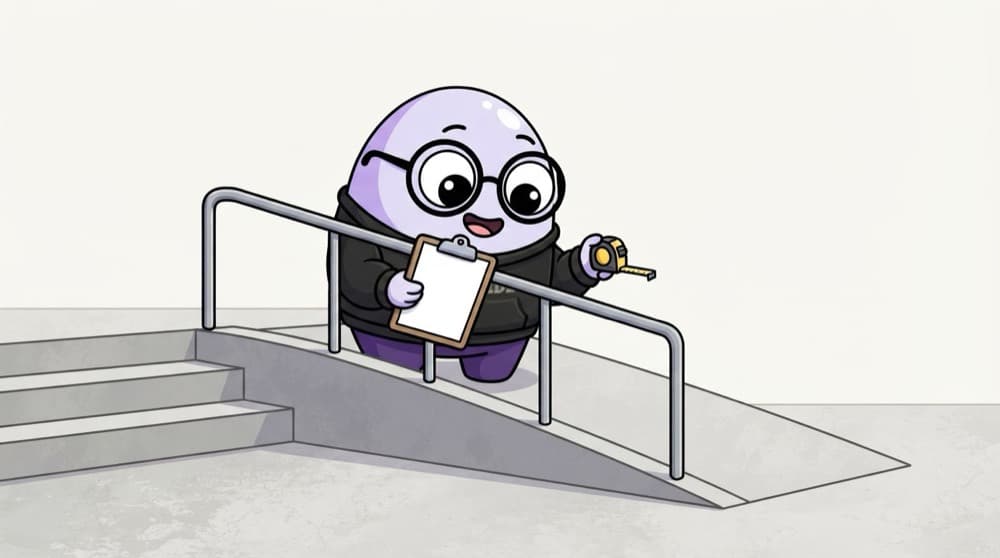
Checking a building for a wheelchair user
A building inspector doesn't just glance at the entrance. They check the ramp slope, the handrail, the lift buttons and the toilet door width. An accessibility audit checks a product the same careful way, one requirement at a time.
Watch it happen
The audit and fix plan
1/5Run a free tool like axe DevTools, WAVE or Lighthouse. It catches some issues, not all.
The big ideas
What you need to know
Map to WCAG
Link each issue to a WCAG 2.2 success criterion. It shows you know the standard, not just the idea.
Rank by impact
Fix what blocks people first, like a form you can't submit by keyboard, before small polish.
Before and after
Show the broken version, the fix and the retest result side by side.
Include real people
If you can, test with someone who uses assistive tech. Their feedback beats any tool.
See it in code
Walk through the code
1<!-- Before: fails keyboard and screen reader -->2<div class="btn" onclick="submitForm()">Submit</div>3<img src="fees-chart.png">4<input placeholder="Phone">5 6<!-- After -->7<button type="submit">Submit</button>8<img src="fees-chart.png" alt="Fees rose from 40k to 52k over 3 years">9<label for="phone">Phone number</label>10<input id="phone" type="tel" autocomplete="tel">1/4A clickable div can't be reached by keyboard and isn't announced as a button.
Three common audit findings and their fixes. You don't need to code the whole product, but showing fixes like these proves you understand them.
Save yourself the pain
Common mistakes
Oops
Running only an automated scan and calling it an audit.
Do this instead
Automated tools miss many issues. Add keyboard, screen reader and visual checks by hand.
Oops
Fixing only colour contrast because it's easy to show.
Do this instead
Cover keyboard, labels, focus and structure too. Those often block people more.
Your mission
Milestone 1: a 30-minute audit
Quick check
Why isn't an automated accessibility scan enough for a full audit?
Go deeper
- 1Choose a real product and run a full accessibility audit: contrast, keyboard nav, screen reader.
- 2Redesign 2-3 of the worst accessibility issues you find.
- 3Present the before/after with specific WCAG criteria referenced for each fix.
More projects at this stop
 End-to-End App Design Case Study
 Website Redesign Case Study
 Design System Case Study
 Mobile App Case Study
 0-to-1 Product Design Case Study
 Portfolio Website

Stuck on this topic? Ask an Insider
Get 1:1 guidance from people who've walked this exact path — on the InsideEdge app.
