
Design Handoff to Developers
Part of the UI/UX Design Roadmap
In short
A design isn't done when it looks good in Figma. It's done when it's built correctly. Clean handoff saves developers from guessing, and saves you from 'why is this 13px?' surprises later.
Preparing a Figma file so engineers can accurately implement it — using inspect mode, clear naming, exported assets, and documented spacing/sizing rather than leaving guesswork.
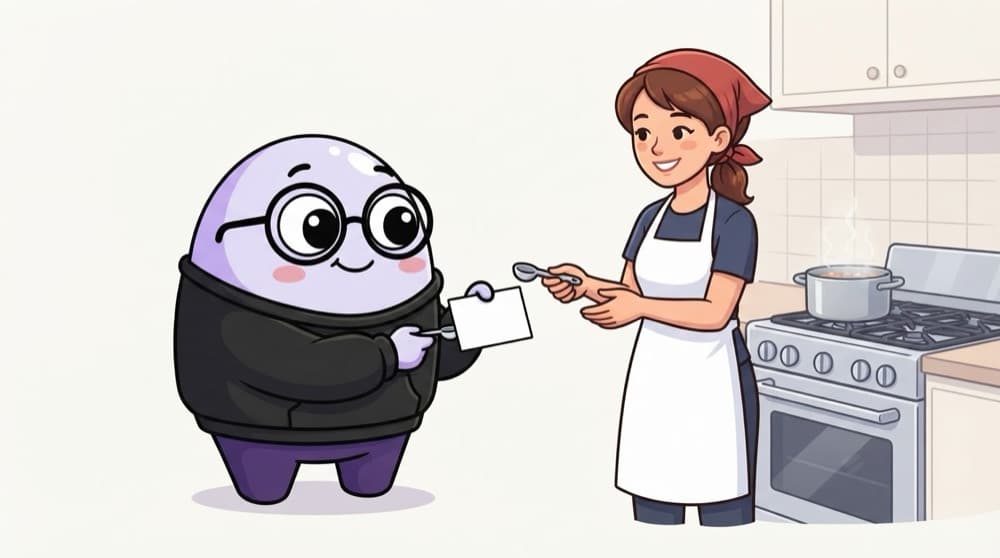
Think of it like this
A recipe with real measures
Telling a new cook 'add some salt and cook till done' gets you a different dish every time. 'One teaspoon salt, 12 minutes on medium' gets the same dish. Handoff is writing the exact recipe for your design.
Watch it happen
A good handoff conversation
File link + walkthrough
1/6Share the Figma file and walk through the flow live, not just a link in chat.
The big ideas
What you need to know
Tidy file
Clear page names, named layers and a 'Ready for dev' section stop developers building outdated screens.
Tokens and components
Using shared colour, type and spacing tokens means devs reuse existing code instead of new one-off values.
Every state
Hover, pressed, disabled, loading, empty and error states should all be designed and labelled.
Talk, don't throw
Handoff is a conversation. Involve developers early, and review the built result together.
See it in code
Walk through the code
1/* Copied from Figma's inspect panel for the order card */2.order-card {3 display: flex;4 flex-direction: column;5 gap: var(--space-3); /* 12px */6 padding: var(--space-4); /* 16px */7 border-radius: var(--radius-md);8 background: var(--surface);9}1/3Vertical auto layout becomes a flex column.
What developers see when they inspect a well-built card. Token names instead of random numbers mean it matches the rest of the codebase.
Save yourself the pain
Common mistakes
Oops
Sending a link and disappearing until launch.
Do this instead
Walk developers through it, answer questions quickly, and review the build before it ships.
Oops
Leaving five versions of a screen with no labels.
Do this instead
Mark the final version clearly and archive or label old explorations.
Your mission
Prepare a file for handoff
Quick check
A developer asks what a screen looks like with no orders. What does that tell you?
Go deeper
- 1Use Figma's inspect mode on your own file and check if the CSS values make sense.
- 2Practice naming layers and components clearly enough that someone else could navigate the file.
- 3Learn to export assets in the correct formats and resolutions engineers need.
More topics at this stop
 Low-Fidelity Wireframing
 High-Fidelity Mockups
 Interactive Prototyping
 Figma Fundamentals
 Figma Components & Variants
 Auto Layout in Figma
 Prototyping Interactions & Transitions
 Rapid Prototyping Techniques

Stuck on this topic? Ask an Insider
Get 1:1 guidance from people who've walked this exact path — on the InsideEdge app.
