In short
A model trained on neat 224x224 photos will quietly fail on a raw 4000x3000 phone picture. Preprocessing makes every image look the way the model expects, every single time.
Resizing, normalizing, and formatting images before feeding them into a model — small mistakes here (wrong normalization, wrong channel order) silently break model accuracy.
Think of it like this
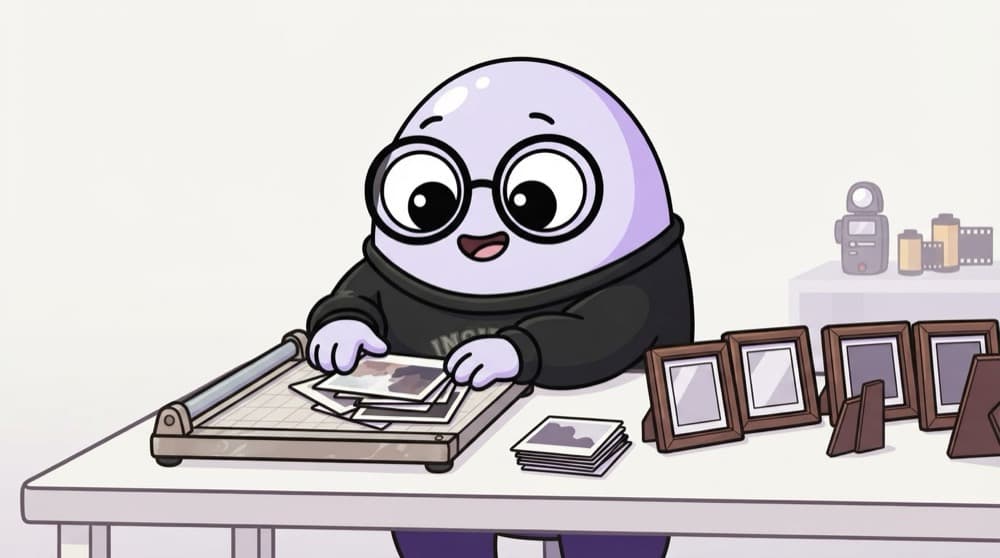
The passport photo studio
You walk into a photo studio with a selfie, a group photo and a blurry scan. The studio crops each one, fixes the size, evens out the brightness and prints them all in the same frame. A model is just as fussy as the passport office.
Watch it happen
One photo on its way into a model
1/5A 3000x4000 JPEG is read as a grid of pixel values from 0 to 255.
The big ideas
What you need to know
Fixed size in
Most CNNs expect one input size. Resize and crop so nothing important gets squashed or cut off.
Channel order matters
BGR vs RGB, and channels-first vs channels-last. Get it wrong and the model sees blue skies as orange.
Normalise like training
Use the exact mean and std the pretrained model used. Many ImageNet models use mean [0.485, 0.456, 0.406].
Same steps at train and test
If training resized one way and your app resizes another, accuracy drops silently. Share one preprocessing function.
See it in code
Walk through the code
1from PIL import Image2from torchvision import transforms3 4preprocess = transforms.Compose([5 transforms.Resize(256),6 transforms.CenterCrop(224),7 transforms.ToTensor(), # HWC 0-255 -> CHW 0.0-1.08 transforms.Normalize(mean=[0.485, 0.456, 0.406],9 std=[0.229, 0.224, 0.225]),10])11 12img = Image.open("chai.jpg").convert("RGB")13x = preprocess(img).unsqueeze(0)14print(x.shape) # torch.Size([1, 3, 224, 224])1/3Resize the short side to 256, then cut a 224x224 square from the centre.
The classic ImageNet preprocessing recipe with torchvision. Pretrained models expect exactly this.
Save yourself the pain
Common mistakes
Oops
Feeding OpenCV images straight into a model trained on RGB.
Do this instead
Convert with cv2.cvtColor(img, cv2.COLOR_BGR2RGB) first. The model will not complain, it will just be wrong.
Oops
Stretching every image to a square, whatever its shape.
Do this instead
Resize the short side and centre-crop, or pad to a square, so objects keep their real proportions.
Your mission
Break it on purpose
Quick check
Your model works in the notebook but gives odd results in the app. The app uses OpenCV to read images. What is the most likely cause?
Go deeper
- 1Practice resizing, cropping and normalizing images with PIL/OpenCV.
- 2Learn why normalization statistics must match what a pretrained model expects.
- 3Build a reusable preprocessing pipeline for a vision project.
More topics at this stop
 OpenCV Basics
 CNN Architectures (ResNet, VGG, EfficientNet)
 Object Detection (YOLO, Overview)
 Image Segmentation (Overview)
 Vision Transformers (ViT)
 Transfer Learning for Vision
 Image Augmentation
 OCR Basics

Stuck on this topic? Ask an Insider
Get 1:1 guidance from people who've walked this exact path — on the InsideEdge app.
