In short
Before any deep learning, someone has to read the image, crop it, blur it, find its edges or grab frames from a webcam. OpenCV does all of that, fast, in a few lines.
The standard library for classical image processing and computer vision operations — reading, transforming, and analyzing images and video outside of deep learning too.
Think of it like this
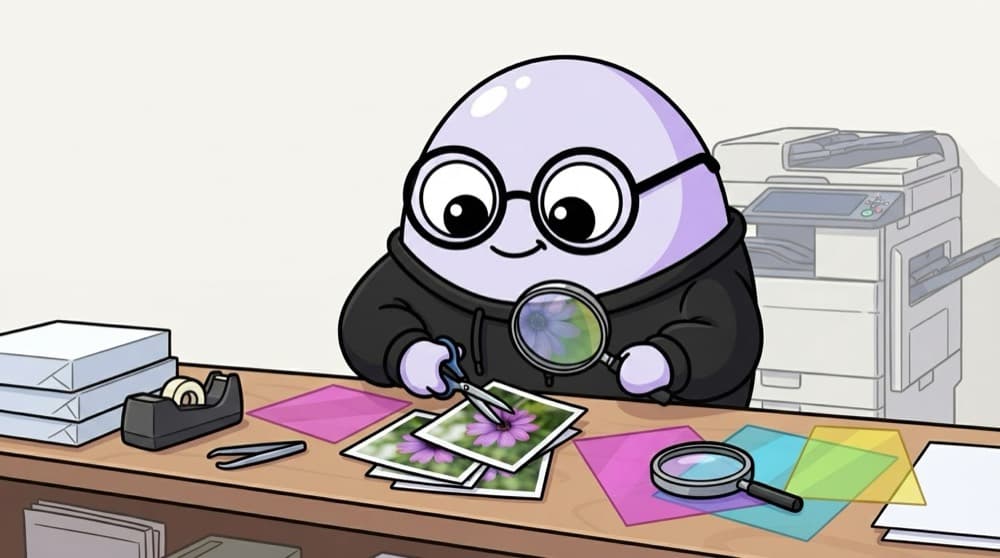
The photocopy shop toolkit
The xerox shop near college has a paper cutter, a laminator, colour settings and a scanner. Bring any document and they can crop, enlarge, darken or copy it. OpenCV is that shop for images: no AI needed, just very handy tools.
Watch it happen
Finding edges in a photo
1/5cv2.imread gives a NumPy array of shape (height, width, 3) in BGR order.
The big ideas
What you need to know
Images are NumPy arrays
An OpenCV image is just an array. Slicing img[100:300, 50:250] crops it. No special image object needed.
BGR by default
OpenCV stores colour as blue, green, red. Convert before showing with Matplotlib or sending to most models.
Classic operations
Resize, rotate, threshold, blur, edge detection, contours and drawing boxes. Most CV projects use a few of these.
Video is many frames
cv2.VideoCapture reads a webcam or file one frame at a time, so the same image code works on video.
See it in code
Walk through the code
1# pip install opencv-python2import cv23 4img = cv2.imread("auto.jpg") # BGR array, None if path is wrong5print(img.shape) # e.g. (720, 1280, 3)6 7gray = cv2.cvtColor(img, cv2.COLOR_BGR2GRAY)8blur = cv2.GaussianBlur(gray, (5, 5), 0)9edges = cv2.Canny(blur, 50, 150)10 11crop = img[100:400, 200:600] # rows first, then columns12cv2.rectangle(img, (200, 100), (600, 400), (0, 255, 0), 2)13cv2.imwrite("edges.jpg", edges)1/3imread returns None instead of an error when the file is missing, so check the shape.
Read, convert, blur, detect edges, crop and draw a box. Note that slicing uses (y, x) but drawing uses (x, y).
Save yourself the pain
Common mistakes
Oops
Showing an OpenCV image with plt.imshow and wondering why the colours look strange.
Do this instead
Convert with cv2.cvtColor(img, cv2.COLOR_BGR2RGB) before plotting, or use cv2.imshow outside notebooks.
Oops
Mixing up (x, y) and (row, col).
Do this instead
Array indexing is img[y, x]. Functions like cv2.rectangle and cv2.resize take (x, y) or (width, height).
Your mission
Make a sketch filter
Quick check
You want the region from x=50 to x=150 and y=20 to y=80. Which slice is correct?
Go deeper
- 1Practice reading, displaying and transforming images with OpenCV.
- 2Learn basic operations: edge detection, thresholding, color space conversion.
- 3Combine OpenCV preprocessing with a deep learning model in one pipeline.
More topics at this stop
 Image Preprocessing
 CNN Architectures (ResNet, VGG, EfficientNet)
 Object Detection (YOLO, Overview)
 Image Segmentation (Overview)
 Vision Transformers (ViT)
 Transfer Learning for Vision
 Image Augmentation
 OCR Basics

Stuck on this topic? Ask an Insider
Get 1:1 guidance from people who've walked this exact path — on the InsideEdge app.
