
In short
Bills, Aadhaar-style ID cards, receipts, handwritten forms: so much useful data is trapped inside images. OCR turns those pixels back into text you can search, store and send to an LLM.
Optical Character Recognition — extracting text from images or scanned documents — a common practical use case combining vision and NLP.
Think of it like this
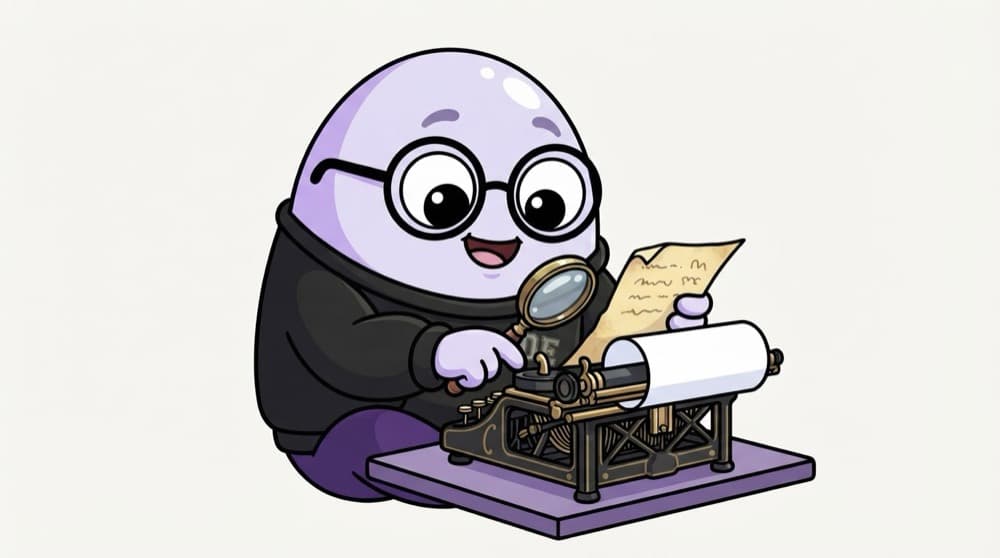
The court typist
Old court records are faded, handwritten pages. A typist reads each line with a magnifier and types it into a clean file. First find where the text is, then read it letter by letter. OCR software follows the same two steps.
Watch it happen
From a photo of a bill to text
1/5A slightly tilted phone photo of a restaurant bill comes in.
The big ideas
What you need to know
Detect, then recognise
Most OCR systems first locate text regions, then read them. Errors in either step show up in the output.
Tools to know
Tesseract is a classic open-source engine. EasyOCR and PaddleOCR use deep learning. Cloud OCR APIs handle messy scans well.
Language packs
Engines need the right language data. Hindi or Tamil text needs those languages installed and selected.
Handwriting is harder
Printed text is mostly solved. Handwriting, stamps and curved text still produce many errors.
See it in code
Walk through the code
1# brew/apt install tesseract, then: pip install pytesseract opencv-python2import cv23import pytesseract4 5img = cv2.imread("bill.jpg")6gray = cv2.cvtColor(img, cv2.COLOR_BGR2GRAY)7gray = cv2.threshold(gray, 0, 255, cv2.THRESH_BINARY + cv2.THRESH_OTSU)[1]8 9text = pytesseract.image_to_string(gray, lang="eng")10print(text)11 12data = pytesseract.image_to_data(gray, output_type=pytesseract.Output.DICT)13print(list(zip(data["text"], data["conf"]))[:10])1/3Load the image, go grayscale, and use Otsu thresholding to get clean black text on white.
Tesseract via pytesseract. A quick black-and-white threshold often improves results a lot.
Save yourself the pain
Common mistakes
Oops
Sending a dark, tilted photo straight to OCR.
Do this instead
Fix lighting, crop to the document and straighten it first. Preprocessing often matters more than the engine.
Oops
Trusting OCR numbers blindly on invoices.
Do this instead
Check totals add up and dates parse. Use word confidence scores to flag fields for human review.
Your mission
Read your own receipt
Quick check
OCR on your scanned forms gives garbage, but the text looks clear to you. What should you try first?
Go deeper
- 1Run a pretrained OCR tool (Tesseract or a Hugging Face OCR model) on sample images.
- 2Learn how preprocessing (deskewing, thresholding) improves OCR accuracy.
- 3Combine OCR output with an NLP pipeline for a document-processing use case.
More topics at this stop
 Image Preprocessing
 OpenCV Basics
 CNN Architectures (ResNet, VGG, EfficientNet)
 Object Detection (YOLO, Overview)
 Image Segmentation (Overview)
 Vision Transformers (ViT)
 Transfer Learning for Vision
 Image Augmentation

Stuck on this topic? Ask an Insider
Get 1:1 guidance from people who've walked this exact path — on the InsideEdge app.
