
Packet Analysis Basics (Wireshark)
Part of the Cybersecurity Roadmap
In short
Logs tell you what a system says happened. Packets show what actually went over the wire. Being able to open a capture and follow a conversation is a superpower in investigations.
Capturing and inspecting raw network traffic to understand exactly what's being sent — an essential skill for both troubleshooting and investigating suspicious network activity.
Think of it like this
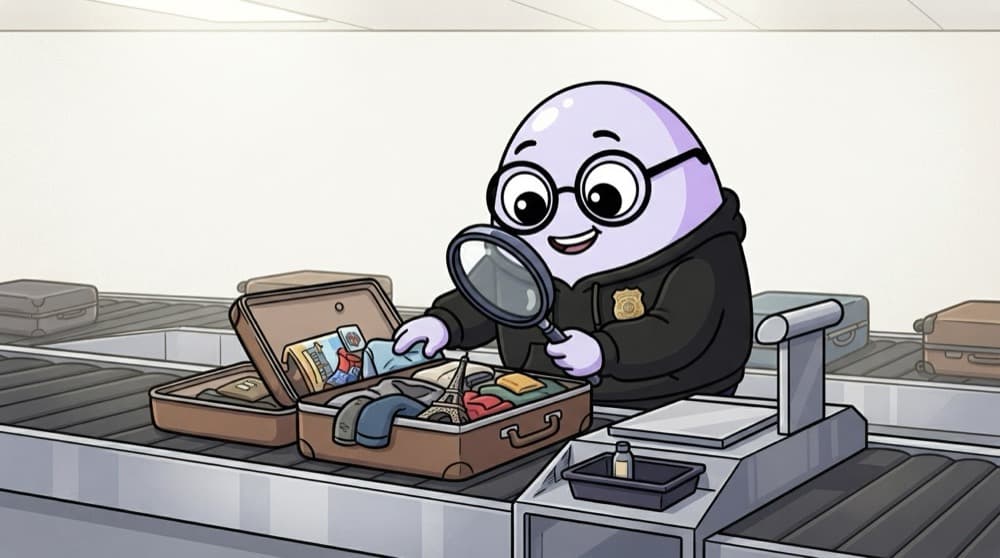
The airport customs officer
Bags roll past on a belt. Most get a quick glance, but the officer can open any bag and look inside. Wireshark is that officer: it shows every packet passing, and lets you open any one to read its contents.
Watch it happen
How an analyst works through a capture
1/4Capture: record traffic on your own lab interface, or open a .pcap file someone shared for practice.
The big ideas
What you need to know
Display filters are everything
Learn a handful: http, dns, tcp.port == 443, ip.addr == x.x.x.x, tcp.flags.syn == 1.
Follow the stream
Following a TCP stream turns packets back into the readable request and response, if not encrypted.
Statistics menu
Conversations and Protocol Hierarchy show who talked most, a quick way to spot odd traffic.
Encryption limits you
With HTTPS you see IPs, ports, timing and the domain name in the handshake, but not the content.
See it in code
Walk through the code
1dns # only DNS traffic2http.request.method == "POST" # form submissions3ip.addr == 10.0.0.5 # anything to or from one host4tcp.flags.syn == 1 && tcp.flags.ack == 0 # new connection attempts5tls.handshake.extensions_server_name contains "bank"1/4Protocol filters narrow down to one type of traffic, like DNS lookups or HTTP form posts.
These are Wireshark display filters, typed into the filter bar. The last one finds HTTPS connections by domain name, even though the content is encrypted.
Save yourself the pain
Common mistakes
Oops
Capturing traffic on networks you don't own.
Do this instead
Capturing others' traffic without permission can be illegal. Practise on your own lab or on public sample captures.
Oops
Scrolling through every packet by hand.
Do this instead
Start with Statistics and filters to find what's interesting, then zoom in on a few packets.
Your mission
Solve a practice capture
Quick check
You see one IP sending SYN packets to ports 1 to 1000 on a server within a few seconds. What is it?
Go deeper
- 1Install Wireshark and capture traffic on a practice VM, inspecting a few packets.
- 2Practice filtering captured traffic to find a specific protocol or conversation.
- 3Learn to identify plaintext credentials in an unencrypted protocol capture, and why that matters.
More topics at this stop
 OSI & TCP/IP Models
 IP Addressing & Subnetting
 DNS & DNS Security
 HTTP/HTTPS & TLS
 Firewalls
 VPNs
 Proxies & Reverse Proxies
 Network Segmentation
 Common Network Protocols (ARP, ICMP, DHCP)

Stuck on this topic? Ask an Insider
Get 1:1 guidance from people who've walked this exact path — on the InsideEdge app.
