AI Chat Application
Part of the Frontend Developer Roadmap
In short
Almost every company is adding AI features right now. An AI chat app with streaming replies shows you can work with LLM APIs and the tricky UI that comes with them.
A chat interface wired to an LLM API — streaming responses, conversation history, and prompt input — highly relevant, in-demand experience right now.
Think of it like this
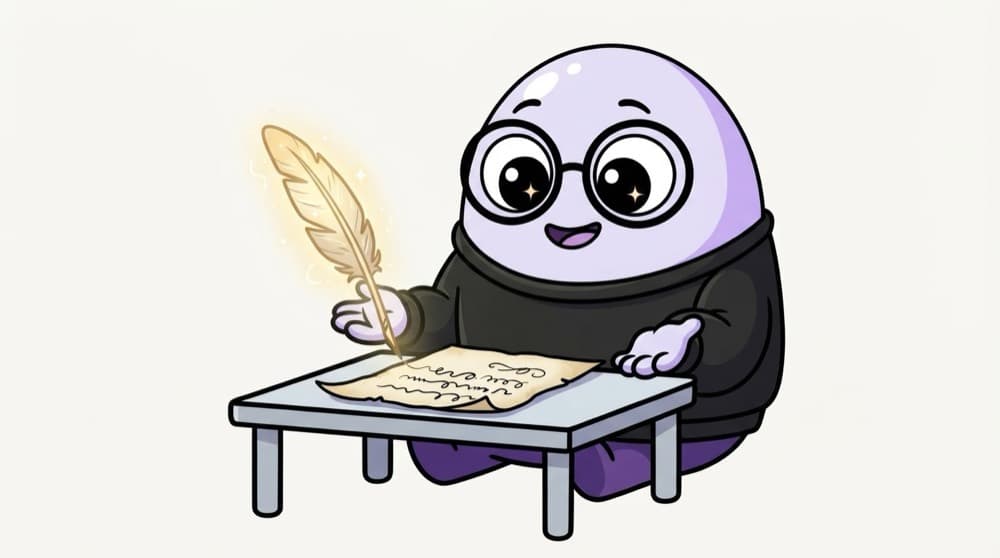
A very fast pen pal who writes live
Instead of waiting days for a full letter, you watch the reply appear word by word as they write it. Streaming makes the wait feel short, even when the full answer takes several seconds.
Watch it happen
Where the key lives and how words stream
'Explain closures'
1/6You send a question. The browser posts the whole conversation so far.
The big ideas
What you need to know
Streaming responses
Show text as it arrives instead of after it's done. Proves you understand streams in the browser.
API key on the server
The browser calls your API route, and only the server talks to the LLM provider.
Conversation history
Multiple chats saved, renamed and deleted, like the real apps.
Stop and retry buttons
Cancel a long answer and regenerate it. Small details that make it feel finished.
How it works
Build plan
- 1
Server route
A Next.js route that calls your chosen LLM API with the key from env.
- 2
Stream it back
Return the provider's stream to the browser.
- 3
Chat UI
Message bubbles, auto-scroll, a textarea that grows.
- 4
Render markdown
Show code blocks and lists properly, sanitised.
- 5
History and polish
Save chats, add stop, retry and error states.
See it in code
Walk through the code
1async function streamReply(messages, onChunk, signal) {2 const res = await fetch("/api/chat", {3 method: "POST",4 headers: { "Content-Type": "application/json" },5 body: JSON.stringify({ messages }),6 signal, // lets a Stop button cancel it7 });8 if (!res.ok || !res.body) throw new Error("Chat request failed");9 const reader = res.body.getReader();10 const decoder = new TextDecoder();11 while (true) {12 const { done, value } = await reader.read();13 if (done) break;14 onChunk(decoder.decode(value, { stream: true }));15 }16}1/4POST the messages to your own route, passing an abort signal.
Each chunk is appended to the last message as it arrives. Your /api/chat route holds the real API key and forwards the stream from the LLM provider.
Save yourself the pain
Common mistakes
Oops
Calling the LLM provider straight from the browser with your key.
Do this instead
Anyone can copy a key from frontend code and run up your bill. Proxy through a server route.
Oops
Rendering model output as raw HTML.
Do this instead
Render markdown with a library that sanitises output, so injected scripts can't run.
Your mission
Milestone 1: words that flow
Quick check
Why should the browser call your own /api/chat route instead of the LLM provider directly?
Go deeper
- 1Implement streaming responses so text appears token-by-token, not all at once.
- 2Persist conversation history and support multiple conversations.
- 3Handle API errors and rate limits gracefully in the UI.
More projects at this stop
 Calculator
 Todo App
 Weather App
 Expense Tracker
 Movie Search
 Kanban Board (Drag & Drop)
 Chat Application (WebSocket)
 E-commerce Store
 Admin Dashboard
 Social Media Clone
 Video Streaming UI
 LMS (Learning Management System)
 Project Management Tool (Trello Clone)
 Real-time Collaboration App (Google Docs Clone)

Stuck on this topic? Ask an Insider
Get 1:1 guidance from people who've walked this exact path — on the InsideEdge app.
