
Real-time Collaboration App (Google Docs Clone)
Part of the Frontend Developer Roadmap
In short
Two people typing in the same sentence at once, and nobody's text gets lost. This is the hardest project on the list, and finishing even a basic version is a strong talking point.
A shared, live-editing document app — the most advanced project on this list, requiring real-time sync, conflict resolution and multi-cursor presence.
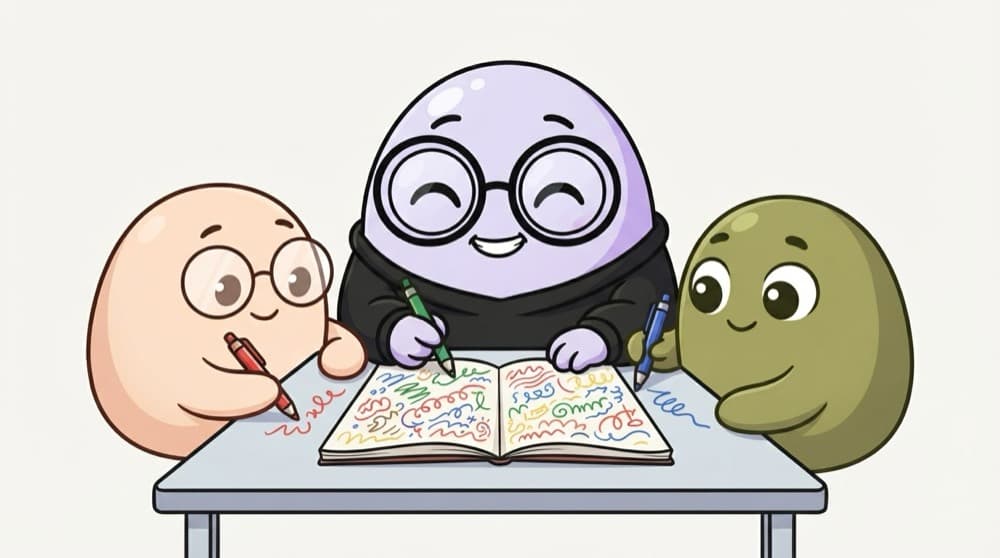
Think of it like this
Group notes on one notebook
Before exams, three friends edit the same notes. If two scribble on the same line, someone's words get overwritten. Real-time editors need clever rules so every change survives, in the right order, for everyone.
Watch it happen
Two people typing in the same spot
1/6Riya types at the start of the line. Her local Y.Text updates instantly.
The big ideas
What you need to know
Merging edits without losing any
CRDTs (data types built to merge changes) or Operational Transform make concurrent edits combine safely. Shows deep problem solving.
Live cursors and presence
See who's online and where they're typing, each in their own colour.
Works offline, syncs later
Edits made offline merge when the connection returns. Good CRDT libraries help with this.
Don't build the hard part alone
Use a library like Yjs for syncing and spend your effort on the editor experience.
How it works
Build plan
- 1
Pick an editor
A rich text editor like Tiptap or a plain textarea to start.
- 2
Add Yjs
Store the document in a shared Y.Doc.
- 3
Connect clients
Run a y-websocket server and join a room per document.
- 4
Presence
Share each user's name, colour and cursor.
- 5
Save and share
Persist documents and share links with permissions.
See it in code
Walk through the code
1import * as Y from "yjs";2import { WebsocketProvider } from "y-websocket";3 4const ydoc = new Y.Doc();5const provider = new WebsocketProvider("ws://localhost:1234", "doc-42", ydoc);6const ytext = ydoc.getText("content");7 8// Changes from anyone, including you, arrive here9ytext.observe(() => render(ytext.toString()));10 11// Who's here and where are they?12provider.awareness.setLocalStateField("user", { name: "Riya", color: "#f97316" });13 14ytext.insert(0, "Hello team! ");1/4One shared document, connected to a room, with a shared text inside.
Every client edits its own copy of ytext. Yjs merges changes from all clients so everyone ends up with the same text, even when edits happen at the same moment.
Save yourself the pain
Common mistakes
Oops
Sending the whole document on every keystroke and keeping the last one received.
Do this instead
That's last-write-wins, and it loses people's typing. Send small changes and merge them with a CRDT.
Oops
Trying to write your own CRDT for a portfolio project.
Do this instead
Use a proven library and explain in your README how it works and why you chose it.
Your mission
Milestone 1: two cursors, one text
Quick check
Two users edit the same paragraph at once. With simple 'last write wins', what happens?
Go deeper
- 1Start with a simpler version — shared state syncing (e.g. a shared canvas or list) before rich text.
- 2Learn the basic ideas behind CRDTs or operational transforms for conflict-free sync.
- 3Show multiple users' cursors and presence to make the collaboration feel real.
More projects at this stop
 Calculator
 Todo App
 Weather App
 Expense Tracker
 Movie Search
 Kanban Board (Drag & Drop)
 Chat Application (WebSocket)
 E-commerce Store
 Admin Dashboard
 Social Media Clone
 Video Streaming UI
 LMS (Learning Management System)
 Project Management Tool (Trello Clone)
 AI Chat Application

Stuck on this topic? Ask an Insider
Get 1:1 guidance from people who've walked this exact path — on the InsideEdge app.
