Kanban Board (Drag & Drop)
Part of the Frontend Developer Roadmap
In short
Dragging a card between columns looks simple, but it means updating nested state correctly, keeping order, and still working for keyboard users. That's exactly why recruiters like this project.
A Trello-style board with draggable cards across columns — a strong showcase project for complex interactive state and a drag-and-drop library.
Think of it like this
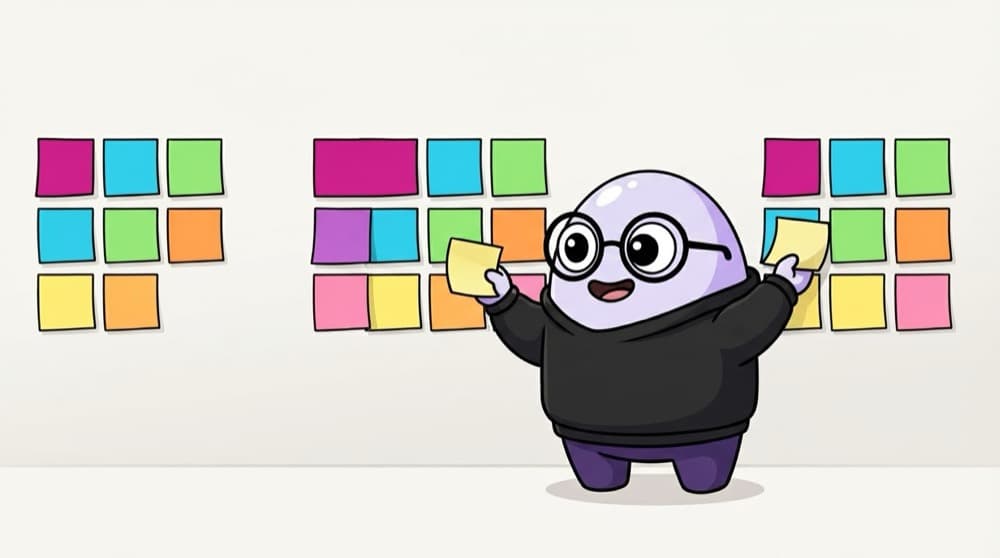
Sticky notes on the hostel room wall
Before exams, you stick topics under To Study, Revising and Done. Finishing one, you peel it off and stick it in the next column. A Kanban board is that wall, with the order saved.
Watch it happen
One drop, step by step
c1: todo→doing @0
1/4You drop card c1 at the top of Doing. onDragEnd passes the ids and the new index.
The big ideas
What you need to know
Drag across and within columns
Reordering in one column and moving between columns are two different updates. Handle both.
Works without a mouse
Libraries like dnd-kit support keyboard dragging. Mentioning it shows accessibility awareness.
Order is saved
Refresh and every card is where you left it.
Clean data shape
Columns hold arrays of card ids, and cards live in one lookup object.
How it works
Build plan
- 1
Static board
Render columns and cards from hard-coded data.
- 2
Add and edit cards
A small form per column.
- 3
Pure move function
Write and test moveCard() before touching drag code.
- 4
Wire up drag and drop
Use a library like dnd-kit and call moveCard on drop.
- 5
Persist and polish
Save to localStorage or a backend, add drop previews.
See it in code
Walk through the code
1// columns: { todo: ["c1", "c2"], doing: [], done: ["c3"] }2function moveCard(columns, cardId, from, to, toIndex) {3 const source = columns[from].filter((id) => id !== cardId);4 const target = from === to ? source : [...columns[to]];5 target.splice(toIndex, 0, cardId);6 7 return { ...columns, [from]: source, [to]: target };8}9 10moveCard(11 { todo: ["c1", "c2"], doing: [] },12 "c1", "todo", "doing", 013); // { todo: ["c2"], doing: ["c1"] }1/4Take the card out of its old column.
This pure function returns a new object and never mutates the old one, so React re-renders and you can unit test moving without any drag code.
Save yourself the pain
Common mistakes
Oops
Writing all the move logic inside the onDragEnd handler.
Do this instead
Keep it in a pure function and call that from the handler. Much easier to test and debug.
Oops
Using array index as the key for cards.
Do this instead
Use the card id. With index keys, React mixes up cards when they move.
Your mission
Milestone 1: move cards without dragging
Quick check
Cards use their array index as the React key. You drag the first card to the bottom. What's the likely bug?
Go deeper
- 1Use a drag-and-drop library (dnd-kit) rather than the raw native API.
- 2Persist board state (columns, cards, order) to localStorage or a backend.
- 3Add card details (description, due date, labels) in a modal.
More projects at this stop
 Calculator
 Todo App
 Weather App
 Expense Tracker
 Movie Search
 Chat Application (WebSocket)
 E-commerce Store
 Admin Dashboard
 Social Media Clone
 Video Streaming UI
 LMS (Learning Management System)
 Project Management Tool (Trello Clone)
 AI Chat Application
 Real-time Collaboration App (Google Docs Clone)

Stuck on this topic? Ask an Insider
Get 1:1 guidance from people who've walked this exact path — on the InsideEdge app.
