
Chat Application (WebSocket)
Part of the Frontend Developer Roadmap
In short
Messages that appear the moment someone hits send feel like magic. This project shows you can handle real-time data, dropped connections and UI that updates without a refresh.
A real-time chat app using WebSockets — rooms/channels, typing indicators, and message history — a strong demonstration of real-time frontend skills.
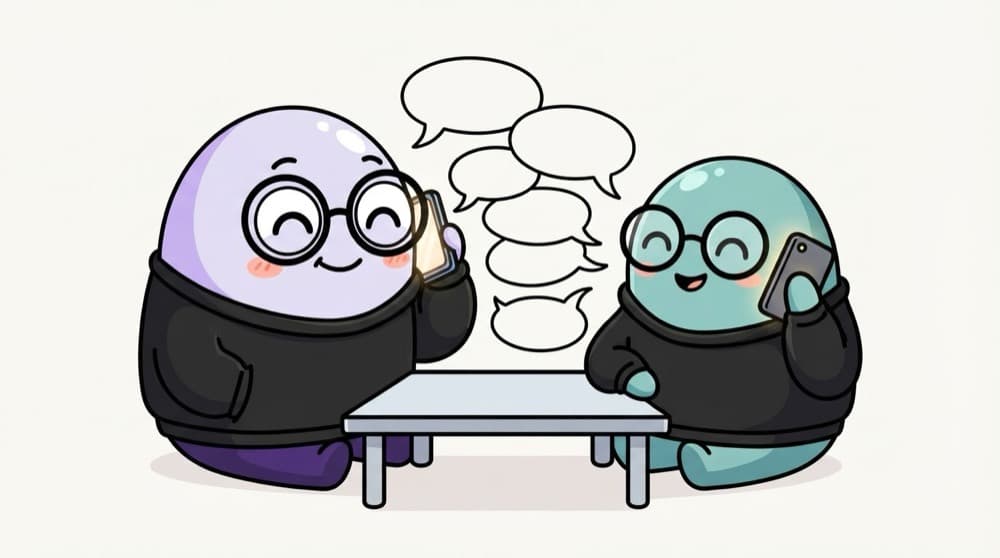
Think of it like this
A phone call vs sending letters
Normal HTTP is like posting letters: you write, wait for a reply, write again. A WebSocket is a phone call: once connected, both sides can talk any time until someone hangs up.
Watch it happen
Two people, one open connection each
WebSocket open
1/6Riya's browser opens one connection to the server and keeps it open.
The big ideas
What you need to know
One open connection
A WebSocket stays open, so the server can push messages without the browser asking.
Rooms and history
Separate channels and older messages loaded from a database. Shows full-stack thinking.
Typing and online status
Small real-time events like 'Riya is typing...' prove you can design event types.
Reconnects on its own
Wi-Fi drops happen. Auto-reconnect with a growing delay shows production thinking.
How it works
Build plan
- 1
Tiny server
A Node server with the ws package or Socket.IO that echoes messages.
- 2
Chat UI
Message list, input and auto-scroll to the latest message.
- 3
Broadcast
Send each message to everyone in the same room.
- 4
Store history
Save messages in a database and load the last 50 on join.
- 5
Reconnect and status
Retry with backoff, show 'connecting...' in the UI.
See it in code
Walk through the code
1function connect(url, onMessage, attempt = 0) {2 const ws = new WebSocket(url);3 4 ws.onopen = () => { attempt = 0; };5 ws.onmessage = (e) => onMessage(JSON.parse(e.data));6 ws.onclose = () => {7 const delay = Math.min(1000 * 2 ** attempt, 30000);8 setTimeout(() => connect(url, onMessage, attempt + 1), delay);9 };10 return ws;11}12 13const ws = connect("wss://your-server.example/chat", addMessage);14ws.send(JSON.stringify({ type: "message", room: "general", text: "Hi!" }));1/4Open one long-lived connection to the server.
On close, it retries after 1s, 2s, 4s and so on, capped at 30s. A real app also needs a way to stop retrying, like on logout.
Save yourself the pain
Common mistakes
Oops
Sending plain strings and guessing what each message means.
Do this instead
Send JSON with a type field, like message, typing or join, so the receiver knows what to do.
Oops
Retrying instantly in a tight loop when the server is down.
Do this instead
Use exponential backoff so thousands of clients don't hammer the server at once.
Your mission
Milestone 1: two tabs talking
Quick check
What can a WebSocket do that a normal HTTP request can't?
Go deeper
- 1Implement typing indicators and online/offline presence.
- 2Handle reconnection gracefully if the WebSocket connection drops.
- 3Add message persistence so chat history survives a refresh.
More projects at this stop
 Calculator
 Todo App
 Weather App
 Expense Tracker
 Movie Search
 Kanban Board (Drag & Drop)
 E-commerce Store
 Admin Dashboard
 Social Media Clone
 Video Streaming UI
 LMS (Learning Management System)
 Project Management Tool (Trello Clone)
 AI Chat Application
 Real-time Collaboration App (Google Docs Clone)

Stuck on this topic? Ask an Insider
Get 1:1 guidance from people who've walked this exact path — on the InsideEdge app.
