
Automated Accessibility Testing Tools
Part of the QA Testing Roadmap
In short
Tools like axe and Lighthouse scan a page in seconds and flag missing labels, bad contrast and broken ARIA. They miss plenty, but they handle the boring checks so you can focus on the rest.
Tools like axe or Lighthouse that automatically scan a page for common accessibility violations — catching a meaningful share of issues quickly, though manual testing is still needed for full coverage.
Think of it like this
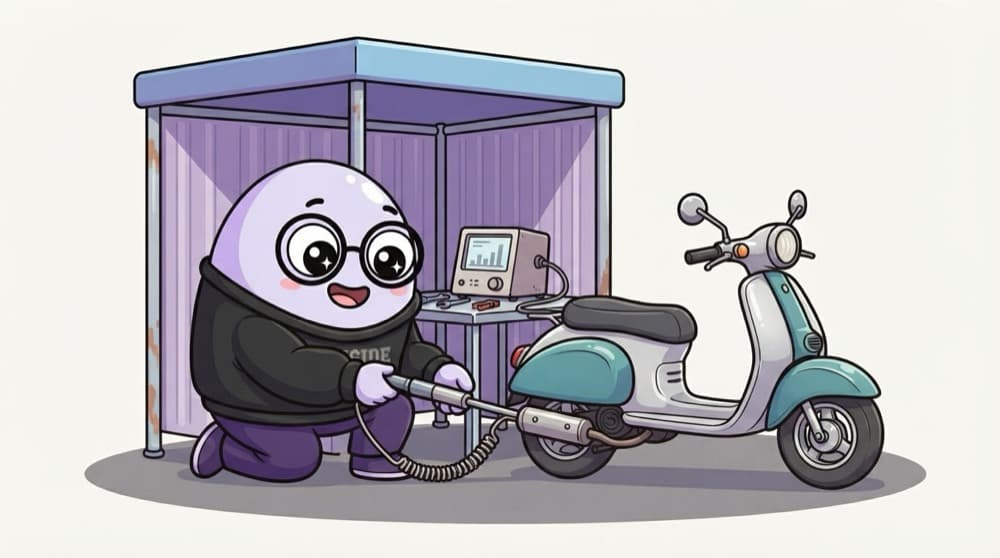
The roadside pollution check
A pollution check machine tells you in two minutes if your scooter's exhaust is fine. It says nothing about the brakes or headlights. Accessibility scanners are like that: fast, useful, and only checking what a machine can measure.
Watch it happen
What machines catch vs what you catch
Automated scan
- Missing alt text and form labels
- Colour contrast below the minimum
- Invalid ARIA and duplicate IDs
Manual check
- Is the alt text actually meaningful?
- Does keyboard order make sense?
- Can a screen reader user finish checkout?
Run the scanner on every build to catch regressions cheaply. Do manual keyboard and screen reader checks on key flows.
The big ideas
What you need to know
axe
An open-source rules engine. Use it as a browser extension, or inside Playwright, Cypress or Selenium tests.
Lighthouse
Built into Chrome DevTools. Its accessibility score is a quick health check, not a pass certificate.
WAVE
A free browser extension that draws icons on the page next to each issue. Great for learning what each rule means.
Put it in CI
An axe check in your test suite stops new violations from sneaking in with each release.
See it in code
Walk through the code
1import { test, expect } from "@playwright/test";2import AxeBuilder from "@axe-core/playwright";3 4test("home page has no detectable a11y violations", async ({ page }) => {5 await page.goto("/");6 const results = await new AxeBuilder({ page })7 .withTags(["wcag2a", "wcag2aa"])8 .analyze();9 expect(results.violations).toEqual([]);10});1/3The official axe integration for Playwright.
Install with npm i -D @axe-core/playwright. When it fails, the output lists each rule, the element and a help link.
Save yourself the pain
Common mistakes
Oops
Celebrating a Lighthouse accessibility score of 100 as 'fully accessible'.
Do this instead
A perfect score means no machine-detectable issues. Keyboard and screen reader testing can still find serious problems.
Oops
Scanning only the home page.
Do this instead
Scan key pages in their important states too: open menus, error messages, modals and the checkout steps.
Your mission
Scan three pages
Quick check
An axe scan passes with zero violations. What can you safely say?
Go deeper
- 1Run an automated accessibility scan (like axe or Lighthouse) against a real website.
- 2Learn what these tools catch well (contrast, missing labels) versus what they miss (logical flow, real screen reader experience).
- 3Practice integrating an automated accessibility check into a test suite.
More topics at this stop
 Security Testing Basics
 OWASP Top 10 for Testers
 Accessibility Testing (WCAG Basics)
 Penetration Testing Overview for QA
 Vulnerability Scanning Basics
 Compliance Testing Overview

Stuck on this topic? Ask an Insider
Get 1:1 guidance from people who've walked this exact path — on the InsideEdge app.
