
Security Testing Basics
Part of the QA Testing Roadmap
In short
You don't need to be a hacker to catch security bugs. Simple checks during normal testing, like 'can user A see user B's order?', find some of the most damaging problems.
QA plays a role in catching security issues before release — not replacing dedicated security testing, but adding a baseline layer of awareness during regular functional testing.
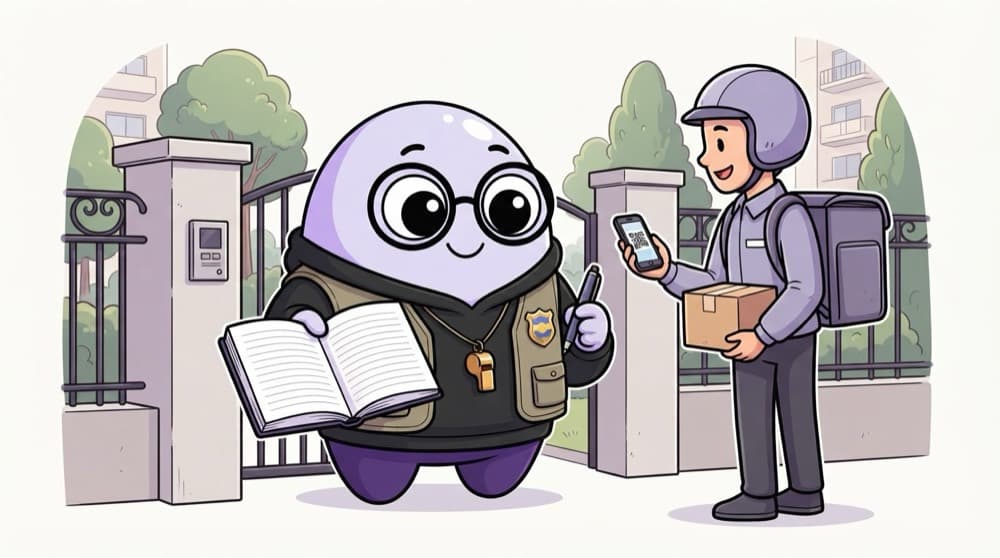
Think of it like this
The society gate watchman
A good watchman doesn't fight burglars. He checks who you are, which flat you're visiting, and whether that flat expects you. Basic security testing is the same: who is this user, and should they be allowed here?
Watch it happen
A simple access check on your own test app
POST /login (user A)
1/6On your own test environment, log in as test user A.
The big ideas
What you need to know
Authentication
Is this really the user? Test wrong passwords, expired sessions, logout, and what happens after a password change.
Authorisation
Is this user allowed? Try viewing or editing another test user's data and calling admin-only pages as a normal user.
Input handling
Type quotes, very long text and HTML tags into fields. The app should reject or safely show them, never break.
Get permission
Only run security checks on systems you're allowed to test, like your team's test environment. Write it down.
See it in code
Walk through the code
1import { test, expect } from "@playwright/test";2 3// Run only against YOUR test environment, with two test accounts4test("user A cannot read user B's order", async ({ request }) => {5 const res = await request.get("/api/orders/102", {6 headers: { Authorization: `Bearer ${process.env.USER_A_TOKEN}` },7 });8 expect(res.status()).toBe(403);9});1/3The test describes the rule in plain English. Good security tests read like business rules.
403 or 404 are both acceptable answers here. A 200 with someone else's data is a critical bug.
Save yourself the pain
Common mistakes
Oops
Only checking that the 'Edit' button is hidden for normal users.
Do this instead
Hidden buttons aren't security. Call the edit API directly with a normal user's token and check it's refused.
Oops
Trying security tricks on a live site because 'it's just testing'.
Do this instead
Testing without permission can be illegal. Stick to your own test environments and practice labs.
Your mission
Three safe security checks
Quick check
As a normal user, you can't see the 'Delete user' button. Is the feature secure?
Go deeper
- 1List 3 security-related checks you could add to a standard functional test pass.
- 2Learn why 'security is only the security team's job' is a common but risky assumption.
- 3Understand QA's role here is a first line of defense, not a substitute for dedicated pentesting.
More topics at this stop
 OWASP Top 10 for Testers
 Accessibility Testing (WCAG Basics)
 Automated Accessibility Testing Tools
 Penetration Testing Overview for QA
 Vulnerability Scanning Basics
 Compliance Testing Overview

Stuck on this topic? Ask an Insider
Get 1:1 guidance from people who've walked this exact path — on the InsideEdge app.
