In short
Branches let you build a new feature without touching the code that's already live. Every serious team works this way, so get comfortable early.
A lightweight, movable pointer to a line of commits — branches let you develop features, fixes and experiments in isolation from `main`.
Think of it like this
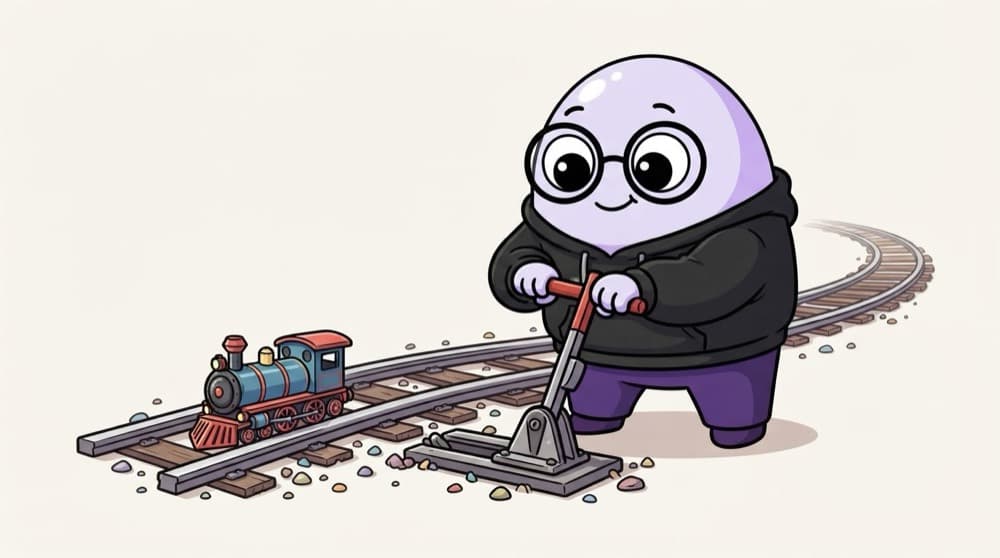
The railway junction
At a junction, the pointsman pulls a lever and a train moves onto a side track. The main line keeps running as usual. Your feature branch is that side track: you can test freely, then join the main line when ready.
Watch it happen
A branch is just a moving pointer
1/5main points to commit C3. Production code is built from here.
The big ideas
What you need to know
Branches are cheap
A branch is a tiny file holding one commit hash. Creating one is instant, so make one per feature or bug.
Keep main deployable
Never work directly on main in a team. Branch, finish, review, then merge.
Name them clearly
feature/order-api, fix/login-500, chore/update-deps. Anyone can guess what's inside.
switch, not checkout
git switch is the modern command for changing branches. git checkout still works but does too many jobs.
See it in code
Walk through the code
1git branch # list local branches2git switch -c feature/login # create and move to it3 4# ...edit, add, commit...5git commit -am "Add POST /login"6 7git switch main # back to main8git branch -d feature/login # delete after it is merged9git push -u origin feature/order-api # share a branch1/4See your branches, then create feature/login and switch to it in one step.
-u links your local branch to the remote one, so later you can just type git push and git pull.
Save yourself the pain
Common mistakes
Oops
Coding for a week on main, then trying to split it into features later.
Do this instead
Create the branch before you write the first line of a feature. It takes two seconds.
Oops
Keeping one feature branch alive for a month.
Do this instead
Keep branches short, a few days. The longer they live, the worse the merge conflicts get.
Your mission
Two features, two tracks
Quick check
You create a branch and make 3 commits on it. What happens to main?
Go deeper
- 1Create a feature branch, make a commit, then switch back to `main`.
- 2Learn the difference between `git branch` and `git switch -c`.
- 3Practice deleting merged branches to keep your repo tidy.
More topics at this stop
 Git init
 Clone
 Commit
 Merge
 Rebase
 Cherry Pick
 Stash
 Pull Request
 Conflict Resolution
 GitHub Actions basics

Stuck on this topic? Ask an Insider
Get 1:1 guidance from people who've walked this exact path — on the InsideEdge app.
