In short
Joining a team project or trying an open-source API? You don't download a zip. You clone it, and you get the code plus its entire history in one go.
`git clone <url>` downloads a full copy of a remote repository — including its entire history — onto your machine, ready to work on.
Think of it like this
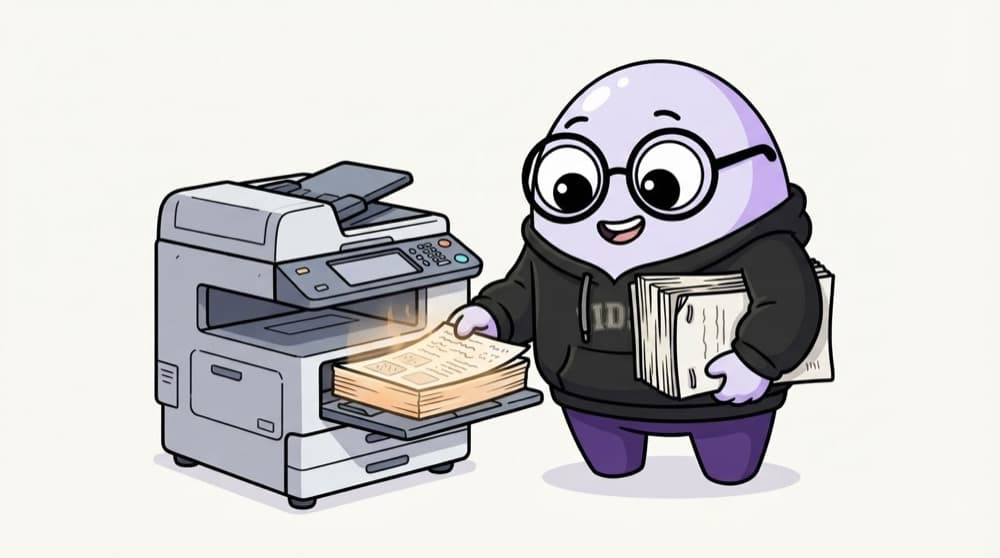
Photocopying the topper's full file
Before exams you don't copy just the last page of the topper's notes. You photocopy the whole file, every chapter, every correction. git clone copies the full project with all its past versions onto your laptop.
Watch it happen
What git clone does
git clone <url>
1/5You ask GitHub for the repository at that URL, over HTTPS or SSH.
The big ideas
What you need to know
You get the full history
git log works offline right after cloning, because every commit came along with the code.
origin is the remote
Clone saves the source URL as a remote called origin. git push and git pull talk to it by default.
HTTPS or SSH
HTTPS asks for a token when you push. SSH uses a key on your laptop, so no typing after the first setup.
Shallow clones for speed
--depth 1 grabs only the latest commit. Handy for CI or huge repos where you don't need old history.
See it in code
Walk through the code
1# Clone into a folder named after the repo2git clone https://github.com/expressjs/express.git3 4# Clone into a folder name you choose5git clone git@github.com:your-name/todo-api.git todo6 7cd todo8git remote -v # shows origin and its URL9git log --oneline -5 # last 5 commits, works offline1/3HTTPS clone of a public repo. The folder will be called express.
The SSH form (git@github.com:...) only works after you add an SSH key to your GitHub account.
Save yourself the pain
Common mistakes
Oops
Downloading the zip from GitHub and wondering why git pull says 'not a git repository'.
Do this instead
The zip has files only. Use git clone to get the .git folder and the link back to GitHub.
Oops
Cloning a repo inside another repo's folder by accident.
Do this instead
cd out to a clean place like ~/code first. Nested repos confuse git status and commits.
Your mission
Clone and explore
Quick check
Right after git clone, your Wi-Fi drops. Which command still works fully?
Go deeper
- 1Clone a public open-source repo and explore its commit history with `git log`.
- 2Learn the difference between HTTPS and SSH clone URLs.
- 3Practice cloning, making a change, and pushing it to your own fork.
More topics at this stop
 Git init
 Commit
 Branch
 Merge
 Rebase
 Cherry Pick
 Stash
 Pull Request
 Conflict Resolution
 GitHub Actions basics

Stuck on this topic? Ask an Insider
Get 1:1 guidance from people who've walked this exact path — on the InsideEdge app.
