In short
In a real team, nobody pushes straight to main. You open a pull request, others review it, checks run, and only then does it merge.
A GitHub/GitLab workflow feature that proposes merging one branch into another, enabling code review, discussion and CI checks before the merge happens.
Think of it like this
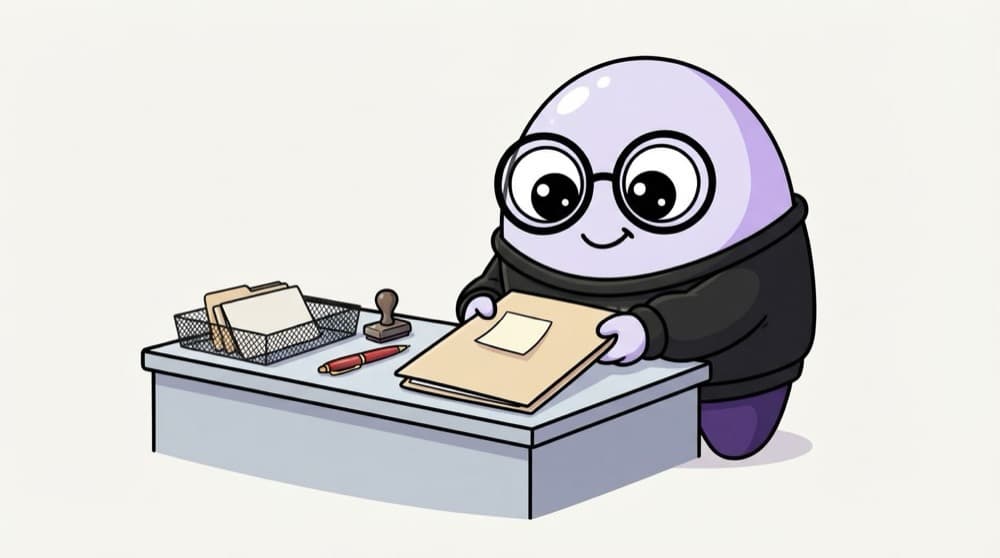
Submitting your assignment for checking
You don't paste your project straight into the final record. You submit it, the professor checks it with a red pen, you fix the comments, and then it's stamped approved. A pull request is that submission for your code.
Watch it happen
Life of a pull request
git push feature/cart
1/6You push your branch. GitHub offers to open a pull request into main.
The big ideas
What you need to know
A PR is a conversation
It shows the diff, comments, checks and history in one place. It's a GitHub feature, not a Git command.
Keep PRs small
A 150-line PR gets a careful review. A 3,000-line PR gets a quick 'looks good' and hidden bugs.
Describe it well
What changed, why, how to test, screenshots or sample responses. Link the issue with 'Closes #12'.
Three ways to merge
Merge commit, squash and merge, or rebase and merge. Many teams squash so each PR becomes one commit on main.
See it in code
Walk through the code
1git switch -c feature/cart-api2git commit -am "Add POST /cart/items"3git push -u origin feature/cart-api4 5# Open a PR with the GitHub CLI6gh pr create --base main \7 --title "Add POST /cart/items" \8 --body "Adds cart endpoint. Test: npm test. Closes #12"9 10gh pr status # see checks and reviews1/3Do the work on a branch and push it to GitHub.
You can also open the PR on github.com. The gh CLI is handy once you do this many times a day.
Save yourself the pain
Common mistakes
Oops
Opening a PR with the description "pls review".
Do this instead
Explain what, why and how to test. A reviewer should understand it without calling you.
Oops
Taking review comments personally and arguing on every line.
Do this instead
Reviews are about the code, not you. Fix, or reply with a clear reason, and thank the reviewer.
Your mission
Your first PR
Quick check
You push a new commit to a branch that already has an open pull request. What happens?
Go deeper
- 1Open a pull request on a personal repo, even solo, to practice the flow.
- 2Write a clear PR description: what changed, why, and how to test it.
- 3Practice leaving and responding to review comments on someone else's open-source PR.
More topics at this stop
 Git init
 Clone
 Commit
 Branch
 Merge
 Rebase
 Cherry Pick
 Stash
 Conflict Resolution
 GitHub Actions basics

Stuck on this topic? Ask an Insider
Get 1:1 guidance from people who've walked this exact path — on the InsideEdge app.
