In short
A merge conflict looks scary the first time, all those arrows in your file. It's really just Git asking you one simple question: which version do you want?
The process of manually reconciling two competing changes to the same lines of code when Git can't automatically merge them.
Think of it like this
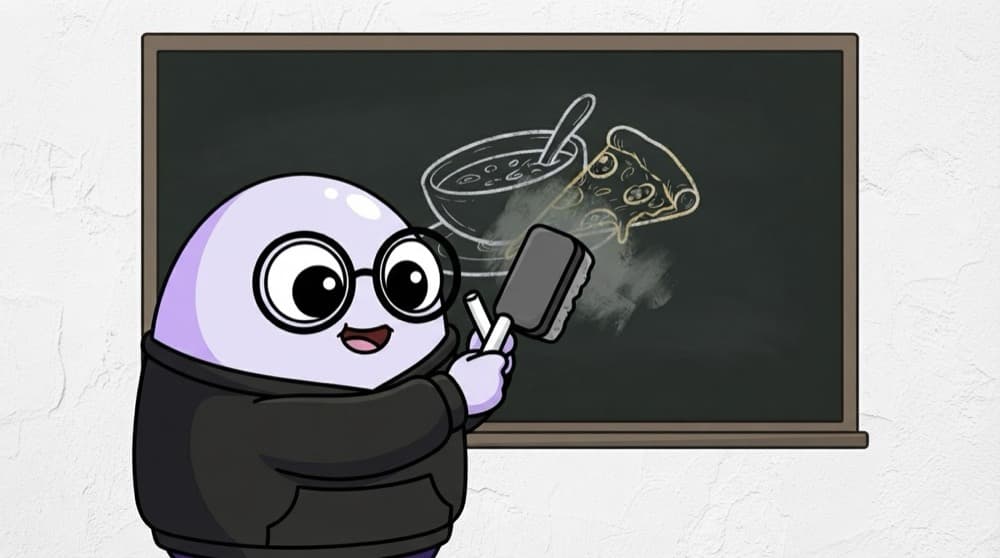
Two roommates, one menu board
You write 'Monday: rajma' on the mess board. Your roommate writes 'Monday: pizza' on the same line. The warden can't guess, so someone has to rub one out or write both. Git does the same and asks you to decide.
Watch it happen
Fixing a conflict, step by step
1/5You run git merge feature/pricing. Both branches changed line 12 of config.js.
The big ideas
What you need to know
Only overlapping lines conflict
Different files, or far-apart lines in one file, merge automatically. Conflicts happen when both sides touched the same lines.
Read the markers
Between <<<<<<< and ======= is your side. Between ======= and >>>>>>> is theirs. You can keep one, both, or rewrite.
You can always abort
git merge --abort or git rebase --abort puts everything back to before you started.
Ask when unsure
If you don't understand their change, message the teammate. Guessing can silently break their feature.
See it in code
Walk through the code
1// config.js during a conflict2<<<<<<< HEAD3export const DELIVERY_FEE = 30;4=======5export const DELIVERY_FEE = 40;6export const FREE_ABOVE = 499;7>>>>>>> feature/pricing8 9// After you resolve it (markers deleted):10export const DELIVERY_FEE = 40;11export const FREE_ABOVE = 499;1/3HEAD is your current branch. It says the fee is 30.
VS Code shows buttons like 'Accept Current' and 'Accept Incoming' above each conflict. They just edit these lines for you.
Save yourself the pain
Common mistakes
Oops
Committing a file that still has <<<<<<< markers in it.
Do this instead
Search the project for <<<<<<< before committing. A leftover marker breaks the build instantly.
Oops
Always clicking 'Accept Current' to make the conflict go away.
Do this instead
Read both sides. Often the right answer keeps parts of each, like the new FREE_ABOVE rule.
Your mission
Cause and fix a conflict
Quick check
In a conflict, what's between <<<<<<< HEAD and =======?
Go deeper
- 1Deliberately create a merge conflict between two branches and resolve it by hand.
- 2Learn to read the `<<<<<<<`, `=======`, `>>>>>>>` conflict markers confidently.
- 3Use your editor's merge conflict UI (VS Code has a good one) instead of raw text editing.
More topics at this stop
 Git init
 Clone
 Commit
 Branch
 Merge
 Rebase
 Cherry Pick
 Stash
 Pull Request
 GitHub Actions basics

Stuck on this topic? Ask an Insider
Get 1:1 guidance from people who've walked this exact path — on the InsideEdge app.
