In short
Sometimes you need one fix from another branch, not the whole branch. Cherry-pick copies exactly that one commit to where you are.
`git cherry-pick <commit>` applies a single specific commit from one branch onto another, without merging the whole branch.
Think of it like this
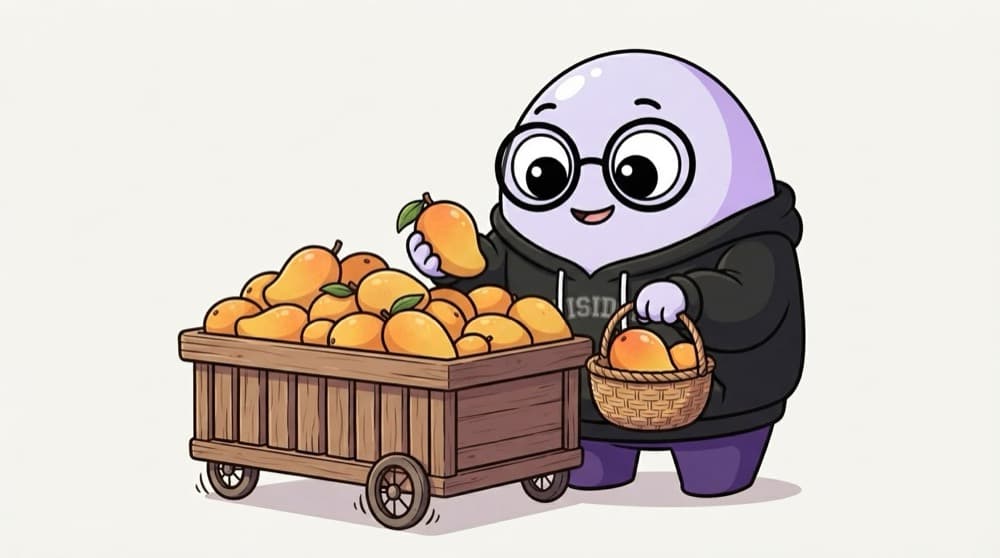
Picking one mango from the cart
The fruit cart has a whole pile, but you want just that one perfect mango. You pick it, pay, and leave the rest. git cherry-pick takes one chosen commit from another branch and copies it onto yours.
Watch it happen
Hotfix to release, one commit only
commit 9f3e1a
1/5You fix a payment bug on main as commit 9f3e1a. main also has half-done features.
The big ideas
What you need to know
It copies, not moves
The original commit stays on its branch. You get a duplicate with a new hash on yours.
Great for hotfixes
Backport a bug fix to an older release branch without merging all of main into it.
Don't overuse it
Cherry-picking lots of commits creates duplicates that confuse later merges. Prefer merging when you need many.
Find the hash first
git log --oneline on the other branch gives the short hash you need.
See it in code
Walk through the code
1git log main --oneline -52# 9f3e1a Fix double charge on payment retry3 4git switch release/1.25git cherry-pick 9f3e1a6 7# Conflict? fix the file, then:8git add src/payments.js9git cherry-pick --continue10 11git cherry-pick -x 9f3e1a # -x notes the source hash in the message1/4Find the exact commit you want on the other branch.
-x adds "cherry picked from commit ..." to the message, which helps when you're tracking which fixes went where.
Save yourself the pain
Common mistakes
Oops
Cherry-picking ten commits one by one to move a whole feature.
Do this instead
If you need most of a branch, merge or rebase it. Cherry-pick is for one or two commits.
Oops
Cherry-picking a commit that depends on an earlier commit you didn't bring.
Do this instead
Check what the commit relies on. If it needs earlier changes, pick those too, oldest first.
Your mission
Backport a fix
Quick check
After cherry-picking commit 9f3e1a onto another branch, what is the new commit's hash?
Go deeper
- 1Cherry-pick a single commit from one branch onto another in a sandbox repo.
- 2Learn when cherry-pick is the right tool — e.g. hotfixing a specific change to a release branch.
- 3Understand that cherry-picking creates a new commit with a different hash.
More topics at this stop
 Git init
 Clone
 Commit
 Branch
 Merge
 Rebase
 Stash
 Pull Request
 Conflict Resolution
 GitHub Actions basics

Stuck on this topic? Ask an Insider
Get 1:1 guidance from people who've walked this exact path — on the InsideEdge app.
