
Google Ads Fundamentals
Part of the Digital Marketing Roadmap
In short
Google Ads looks scary because of all the buttons. Underneath, every account is the same simple ladder: account, campaigns, ad groups, then keywords and ads.
Google's advertising platform spanning Search, Display, YouTube and Shopping — campaign structure (campaigns → ad groups → ads → keywords) is the organizational backbone you'll use across every campaign type.
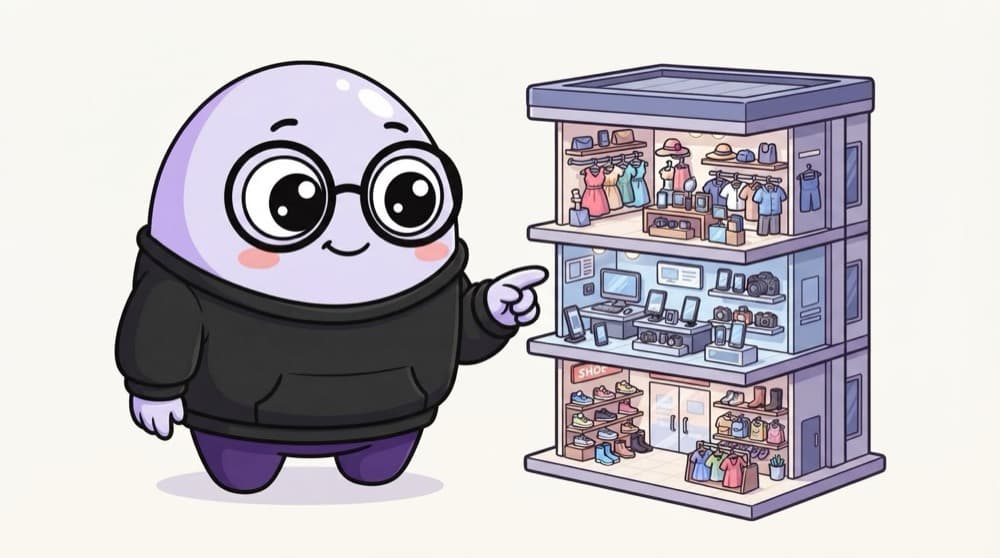
Think of it like this
A shopping mall's layout
A mall has floors (electronics, clothing), each floor has shops, and each shop has products. Rent and opening hours are set per floor. In Google Ads, budget and location are set per campaign, and ad groups hold related keywords and ads.
Watch it happen
How a coaching institute's account is organised
1/4The account holds billing and access. One business usually has one account.
The big ideas
What you need to know
Settings flow downward
Budget and location live on the campaign. Every ad group inside it follows those settings.
One theme per ad group
Keep each ad group tight so the ad text can match the searches closely.
Start with the goal
Pick what success means first: calls, leads, sales or visits. Google uses it to guide choices.
Many campaign types
Search, Display, Video, Shopping, Performance Max and more all share the same basic ladder.
Save yourself the pain
Common mistakes
Oops
Putting every keyword into one giant ad group.
Do this instead
Split by theme. 'GATE mock tests' and 'GATE coaching Delhi' need different ads.
Oops
Mixing cities with very different budgets in one campaign.
Do this instead
If Delhi needs more money than Lucknow, give each its own campaign so budgets stay separate.
Your mission
Sketch an account on paper
Quick check
You want different daily budgets for Mumbai and Chennai. Where should that split happen?
Go deeper
- 1Explore Google Ads' interface (free account, no need to spend) to see the campaign hierarchy.
- 2Learn the difference between campaign-level and ad-group-level settings.
- 3Practice mapping a hypothetical campaign structure before touching the interface.
More topics at this stop
 How PPC Auctions Work
 Search Campaigns
 Display & YouTube Campaigns
 Meta Ads (Facebook & Instagram) Fundamentals
 Audience Targeting & Segmentation
 Ad Copywriting & Creative Testing
 Bidding Strategies
 Campaign Budgeting
 Retargeting / Remarketing
 Landing Page Optimization for Ads
 Ad Fraud & Brand Safety Basics

Stuck on this topic? Ask an Insider
Get 1:1 guidance from people who've walked this exact path — on the InsideEdge app.
