In short
'Copy link', 'Copy code', 'Copy coupon'. Users love one-tap copy buttons. The Clipboard API makes them a few lines of code.
The Clipboard API (`navigator.clipboard`) lets you read from and write to the system clipboard — powering 'Copy to clipboard' buttons. Clipboard operations are permission- and security-sensitive, so production interfaces should provide clear feedback and handle browsers that deny or restrict access.
Think of it like this
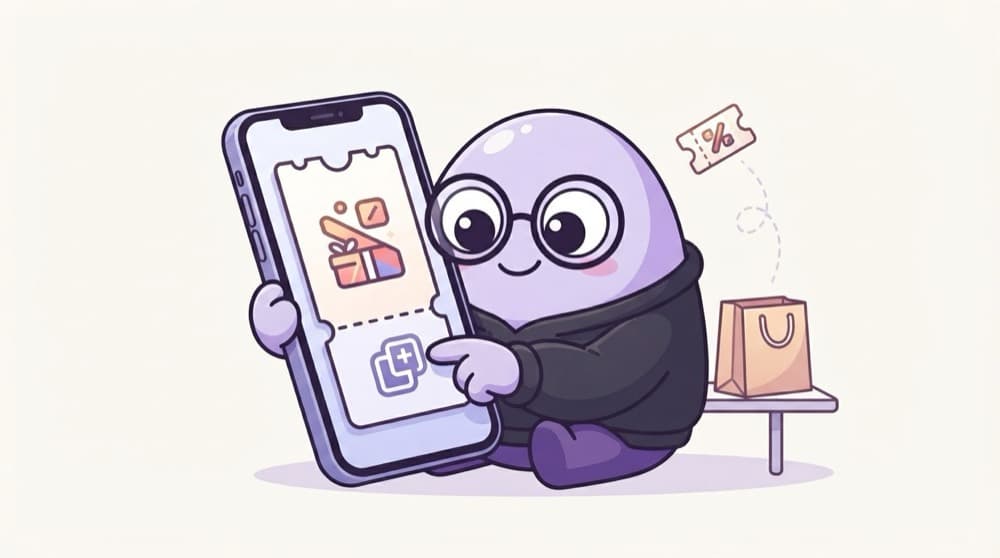
The coupon code at checkout
You see 'FIRST50' on a banner and tap 'Copy' instead of typing it. Then you paste it at checkout. Your site is doing the copying for the user, but only because they tapped the button.
Watch it happen
One tap, one copy
taps Copy
1/5The copy starts from a real click. Browsers expect a user action before writing to the clipboard.
The big ideas
What you need to know
writeText copies
navigator.clipboard.writeText(text) puts text on the clipboard. It returns a Promise.
Secure pages only
The API only exists on HTTPS (and localhost). On plain http:// it's simply missing.
Tie it to a click
Browsers expect copying to come from a user action, like a click. Copying on page load usually fails.
Reading is stricter
readText needs permission, because the clipboard may hold private stuff like passwords.
See it in code
Walk through the code
1copyBtn.addEventListener("click", async () => {2 try {3 await navigator.clipboard.writeText(couponCode.textContent);4 copyBtn.textContent = "Copied!";5 setTimeout(() => (copyBtn.textContent = "Copy"), 1500);6 } catch {7 copyBtn.textContent = "Press Ctrl+C to copy";8 }9});1/4Everything runs inside a click handler, which is what browsers want for clipboard writes.
Changing the button text for a moment tells the user it worked. Without feedback, people tap Copy three times to be sure.
Save yourself the pain
Common mistakes
Oops
Still using document.execCommand("copy") from old tutorials.
Do this instead
execCommand is deprecated. Use navigator.clipboard.writeText, which is async and cleaner.
Oops
Giving no feedback after copying.
Do this instead
Show 'Copied!' or a small toast so the user knows it worked.
Your mission
Copy-code button
Quick check
Your copy button works on localhost but does nothing on http://192.168.1.5 from your phone. Why?
Go deeper
- 1Build a 'Copy code' button using `navigator.clipboard.writeText()`. Keep the first version small, then add one improvement after the core behavior works.
- 2Show a brief 'Copied!' confirmation after a successful copy. Validate your understanding by applying it in a small practical example.
- 3Learn that clipboard access requires a secure context (HTTPS) and often a user gesture.
More topics at this stop
 Fetch API
 Geolocation
 Notifications
 Intersection Observer
 Mutation Observer
 Resize Observer
 History API
 Web Storage
 File API
 Drag Drop
 WebSocket
 WebRTC basics

Stuck on this topic? Ask an Insider
Get 1:1 guidance from people who've walked this exact path — on the InsideEdge app.
