In short
'Find colleges near me' needs to know where 'me' is. The Geolocation API gives you the user's location, but only if they say yes.
`navigator.geolocation` lets a webpage (with user permission) access the device's current physical location for maps, local search or delivery apps. Location access is permission-controlled and can have accuracy, battery, privacy, and availability trade-offs, so applications should request only what they actually need.
Think of it like this
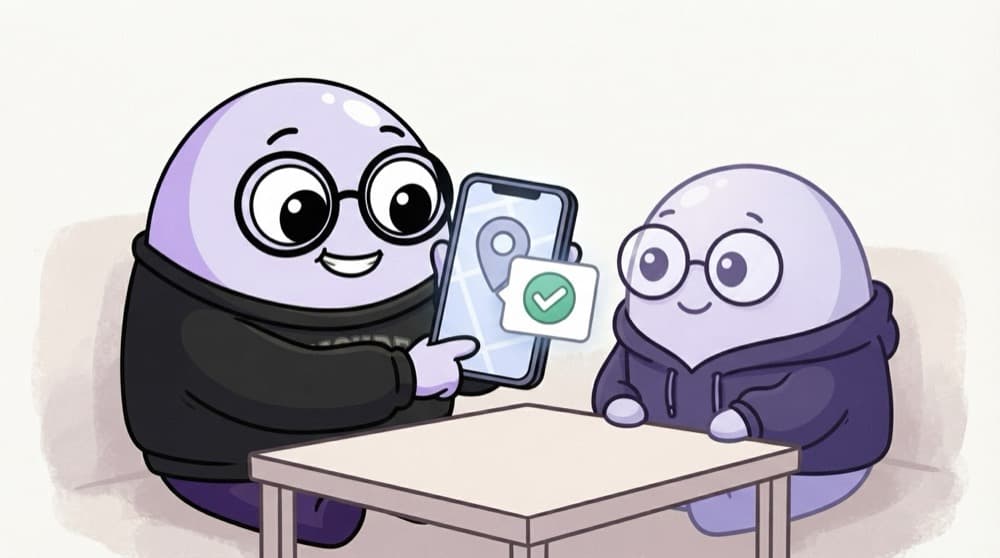
Sharing live location on WhatsApp
Your friend can't just see where you are. You tap 'share location' and choose to allow it. The browser works the same way: your site asks, the browser shows a popup, and the user decides.
Watch it happen
How a location request plays out
clicks Use my location
1/6Ask only after a clear action. A surprise popup on page load usually gets blocked.
The big ideas
What you need to know
HTTPS and permission
It only works on HTTPS (or localhost), and the browser always asks the user first.
Accuracy varies
Location may come from GPS, Wi-Fi or IP. A laptop might be off by a lot, a phone is usually closer.
One-time or live
getCurrentPosition gets it once. watchPosition keeps sending updates, like for a delivery tracker.
Always handle 'no'
Users can deny or the lookup can time out. Have a fallback, like a city dropdown.
See it in code
Walk through the code
1findNearbyBtn.addEventListener("click", () => {2 if (!("geolocation" in navigator)) return showCityPicker();3 4 navigator.geolocation.getCurrentPosition(5 (pos) => {6 const { latitude, longitude, accuracy } = pos.coords;7 loadNearbyColleges(latitude, longitude);8 console.log(`Accurate to about ${Math.round(accuracy)} m`);9 },10 (err) => {11 console.warn(err.message); // denied, unavailable or timeout12 showCityPicker();13 },14 { enableHighAccuracy: false, timeout: 10000, maximumAge: 60000 }15 );16});1/4Run only on a button click, and fall back straight away if the browser has no geolocation.
maximumAge: 60000 lets the browser reuse a location from the last minute, which is faster and saves battery.
Save yourself the pain
Common mistakes
Oops
Asking for location the moment the page loads.
Do this instead
Wait for a click on a clear button. Users deny surprise popups, and many never get asked again.
Oops
Testing on http:// from your phone and wondering why nothing happens.
Do this instead
Geolocation needs HTTPS. Use localhost on your laptop, or a deployed HTTPS preview on your phone.
Your mission
Where am I?
Quick check
A user clicks 'Block' on your location popup. What should your page do?
Go deeper
- 1Request the user's location and log the returned latitude/longitude. Validate your understanding by applying it in a small practical example.
- 2Handle the permission-denied case gracefully in the UI. Validate your understanding by applying it in a small practical example.
- 3Learn the difference between `getCurrentPosition` and `watchPosition`.
More topics at this stop
 Fetch API
 Clipboard
 Notifications
 Intersection Observer
 Mutation Observer
 Resize Observer
 History API
 Web Storage
 File API
 Drag Drop
 WebSocket
 WebRTC basics

Stuck on this topic? Ask an Insider
Get 1:1 guidance from people who've walked this exact path — on the InsideEdge app.
