In short
'Your result is out!' popping up on your screen even when the tab is in the background. That's the Notifications API, and it needs the user's permission.
The Notifications API lets a webpage show native OS-level notifications, with the user's explicit permission. Notifications are useful for timely updates but should be permission-aware and purposeful because excessive notifications quickly become disruptive.
Think of it like this
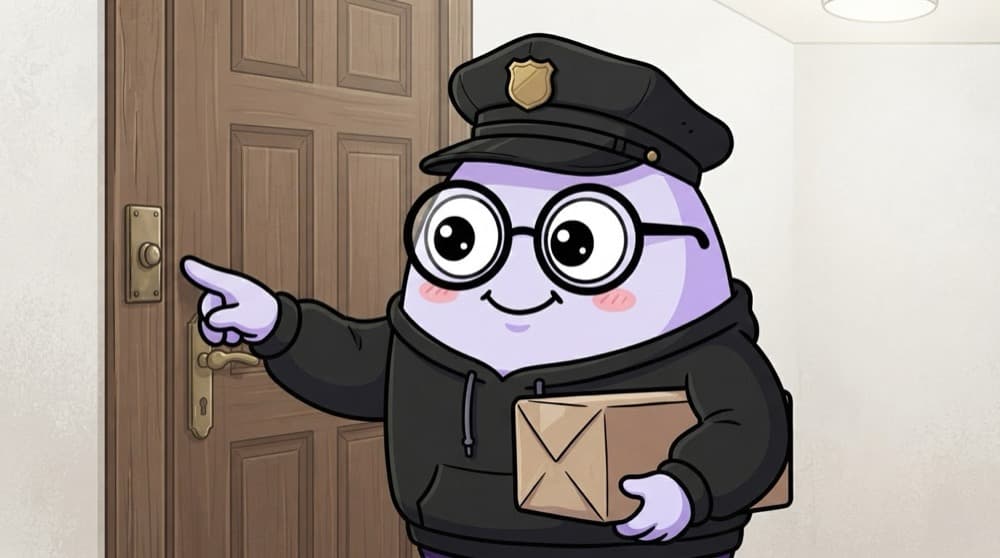
The society watchman's bell
The watchman can ring your bell when a parcel arrives, but only because you told him it's okay. Ring it ten times a day for nothing and you'll tell him to stop. Notifications work exactly like that.
Watch it happen
Asking the polite way
Notify me of results?
1/6First your own small message explains the value. No browser popup yet.
The big ideas
What you need to know
Ask first
Notification.requestPermission() shows the browser popup. The answer is granted, denied or default (no choice made).
HTTPS only
Like most powerful APIs, notifications only work on secure pages.
Shows outside the page
The message appears in the OS notification area, even if your tab isn't in front.
Push is a separate thing
This API shows notifications while your site is open. Getting them when it's closed needs a service worker and the Push API.
See it in code
Walk through the code
1notifyBtn.addEventListener("click", async () => {2 if (!("Notification" in window)) return;3 4 const permission = await Notification.requestPermission();5 if (permission !== "granted") return;6 7 const n = new Notification("Result declared", {8 body: "Your semester 4 result is now available.",9 icon: "/icons/logo-192.png",10 });11 n.onclick = () => window.focus();12});1/4Start from a click, and quietly stop if this browser has no Notification support.
Calling requestPermission inside a click handler matters. Many browsers ignore or quietly hide permission requests that don't come from a user action.
Save yourself the pain
Common mistakes
Oops
Asking for permission as soon as someone lands on your homepage.
Do this instead
Ask after they show interest, from a button. Early asks get denied, and denied is hard to undo.
Oops
Expecting notifications to arrive after the user closes your tab.
Do this instead
That needs a service worker with the Push API and a server. This API alone works only while the page is open.
Your mission
Reminder button
Quick check
Notification.permission is 'denied'. What can your code do about it?
Go deeper
- 1Request notification permission and show a test notification. Validate your understanding by applying it in a small practical example.
- 2Learn the difference between the Notifications API and the Push API. Focus on understanding the underlying reason it works, not only memorizing the definition.
- 3Handle the 'denied' permission state gracefully — never nag the user repeatedly.
More topics at this stop
 Fetch API
 Geolocation
 Clipboard
 Intersection Observer
 Mutation Observer
 Resize Observer
 History API
 Web Storage
 File API
 Drag Drop
 WebSocket
 WebRTC basics

Stuck on this topic? Ask an Insider
Get 1:1 guidance from people who've walked this exact path — on the InsideEdge app.
