
In short
Lazy-loading images, infinite scroll, animations that start when you scroll to them. They all need to know 'is this element on screen yet?'. Intersection Observer answers that cheaply.
An efficient browser API for detecting when an element enters or leaves the viewport — powers lazy-loading, infinite scroll and scroll-triggered animations without expensive scroll listeners. It lets the browser efficiently determine visibility relationships without repeatedly calculating element positions inside high-frequency scroll handlers.
Think of it like this
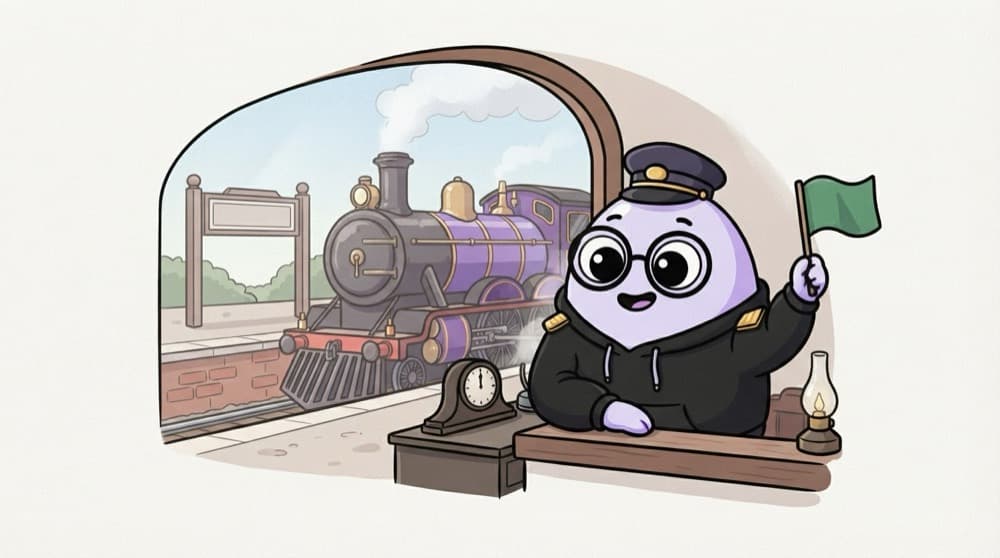
The station master's window
The station master doesn't run along the track checking every train. He sits at his window and reacts when a train enters the platform. Intersection Observer is that window: the browser tells you when an element enters or leaves view.
Watch it happen
A card scrolls into view
observe(card)
1/5You hand the card to the observer once. No scroll listener, no maths.
The big ideas
What you need to know
Watches visibility
You pick elements to observe. The browser calls you when they cross into or out of the viewport.
No scroll math
No more scroll listeners and getBoundingClientRect on every scroll. The browser does the work efficiently.
threshold
threshold: 0.5 means 'tell me when half the element is visible'. 0 means any single pixel.
rootMargin
rootMargin: "200px" fires 200px before the element appears, handy for loading things early.
See it in code
Walk through the code
1const observer = new IntersectionObserver(2 (entries) => {3 for (const entry of entries) {4 if (!entry.isIntersecting) continue;5 entry.target.classList.add("fade-in");6 observer.unobserve(entry.target); // animate only once7 }8 },9 { threshold: 0.2, rootMargin: "0px 0px -50px 0px" }10);11 12document.querySelectorAll(".card").forEach((card) => observer.observe(card));1/4The callback gets a list of entries. Skip any card that isn't on screen.
One observer can watch many elements. unobserve stops watching a card once it has animated, so the callback has less to do.
Save yourself the pain
Common mistakes
Oops
Using a scroll event listener that checks positions on every scroll.
Do this instead
Use IntersectionObserver. It's built for this and doesn't slow scrolling down.
Oops
Building lazy image loading from scratch for every <img>.
Do this instead
For plain images, loading="lazy" is built in. Use the observer for custom things like infinite scroll.
Your mission
Infinite scroll feed
Quick check
What does threshold: 0.5 mean in IntersectionObserver options?
Go deeper
- 1Use it to lazy-load images only as they scroll into view. Verify the behavior with realistic data and handle the failure or empty state as well.
- 2Build a simple 'fade in on scroll' effect for page sections. Keep the first version small, then add one improvement after the core behavior works.
- 3Learn `threshold` and `rootMargin` options for fine-tuning when it triggers.
More topics at this stop
 Fetch API
 Geolocation
 Clipboard
 Notifications
 Mutation Observer
 Resize Observer
 History API
 Web Storage
 File API
 Drag Drop
 WebSocket
 WebRTC basics

Stuck on this topic? Ask an Insider
Get 1:1 guidance from people who've walked this exact path — on the InsideEdge app.
