
In short
Files, scanners and database connections must be closed, or your app slowly leaks them until it breaks. try-with-resources closes them for you, every single time.
try-with-resources automatically closes anything that implements AutoCloseable, such as files, scanners and database connections, even if an exception is thrown.
Think of it like this
The self-closing fridge door
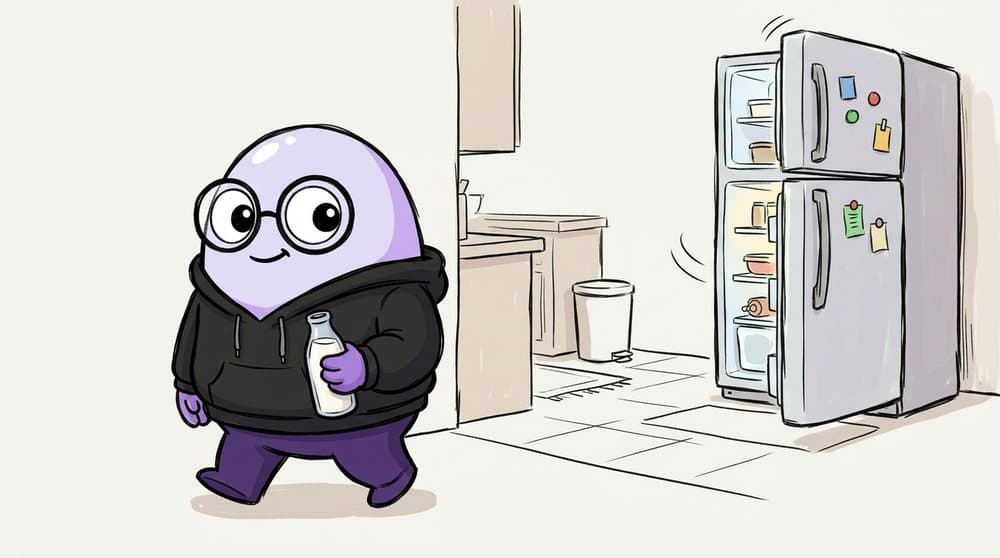
At home in Jaipur, someone always leaves the fridge door open and the milk goes sour. A fridge with a self-closing hinge shuts itself the moment you step away, even if you got distracted by the doorbell. try-with-resources is that hinge for files and connections.
Watch it happen
Two resources, closed in reverse order
Top of the stack is coloured
1/4The first resource in the try (...) brackets is opened.
The big ideas
What you need to know
Anything AutoCloseable
Any object whose class implements AutoCloseable can go inside try (...): readers, writers, Scanner, JDBC connections, and your own classes.
Closed even on errors
If the body throws, the resource is still closed before the exception moves on. No finally block needed.
Several at once
Separate resources with semicolons. They close in the reverse order they were opened.
Suppressed exceptions
If closing also fails, that error is attached to the main one and visible through e.getSuppressed(), so nothing is lost.
See it in code
Walk through the code
1import java.io.BufferedReader;2import java.io.IOException;3import java.nio.file.Files;4import java.nio.file.Path;5 6public class AttendanceCounter {7 public static void main(String[] args) {8 Path file = Path.of("attendance.txt");9 int present = 0;10 11 try (BufferedReader reader = Files.newBufferedReader(file)) {12 String line;13 while ((line = reader.readLine()) != null) {14 if (line.endsWith(",P")) {15 present++;16 }17 }18 } catch (IOException e) {19 System.out.println("Could not read attendance: " + e.getMessage());20 }21 22 System.out.println("Present today: " + present);23 }24}1/3The resource is declared inside the brackets after try. Java will call reader.close() for you.
Counts students marked P in a file of lines like "Ananya,P". The reader is closed automatically when the try block ends.
Save yourself the pain
Common mistakes
Oops
Opening a reader and calling close() at the end of the try block.
Do this instead
If anything throws before that line, close() never runs. Declare the reader in try (...) instead.
Oops
Writing a long finally block with nested try just to close a file.
Do this instead
That was the pre-Java 7 way. try-with-resources does the same thing in one line and handles suppressed exceptions properly.
Oops
Wrapping new Scanner(System.in) in try-with-resources in a helper method.
Do this instead
Closing that Scanner also closes System.in, and later reads fail. Only auto-close resources your code owns.
Your mission
Write your own resource
Quick check
What must a class implement to be used in try-with-resources?
Go deeper
- 1Rewrite a file-reading method from try-finally to try-with-resources.
- 2Open two resources in one try-with-resources statement.
- 3Implement AutoCloseable on your own class and watch close() get called.
More topics at this stop
 Checked vs Unchecked Exceptions
 Try-Catch-Finally
 throw vs throws
 Custom Exceptions
 Reading & Writing Files (java.nio.file)
 Working with CSV Files
 Serialization Basics

Stuck on this topic? Ask an Insider
Get 1:1 guidance from people who've walked this exact path — on the InsideEdge app.
